
01
Create the event
Enter the event details and pick the right style for the invitation.
Planning your wedding? Explore Luqya electronic wedding invitations
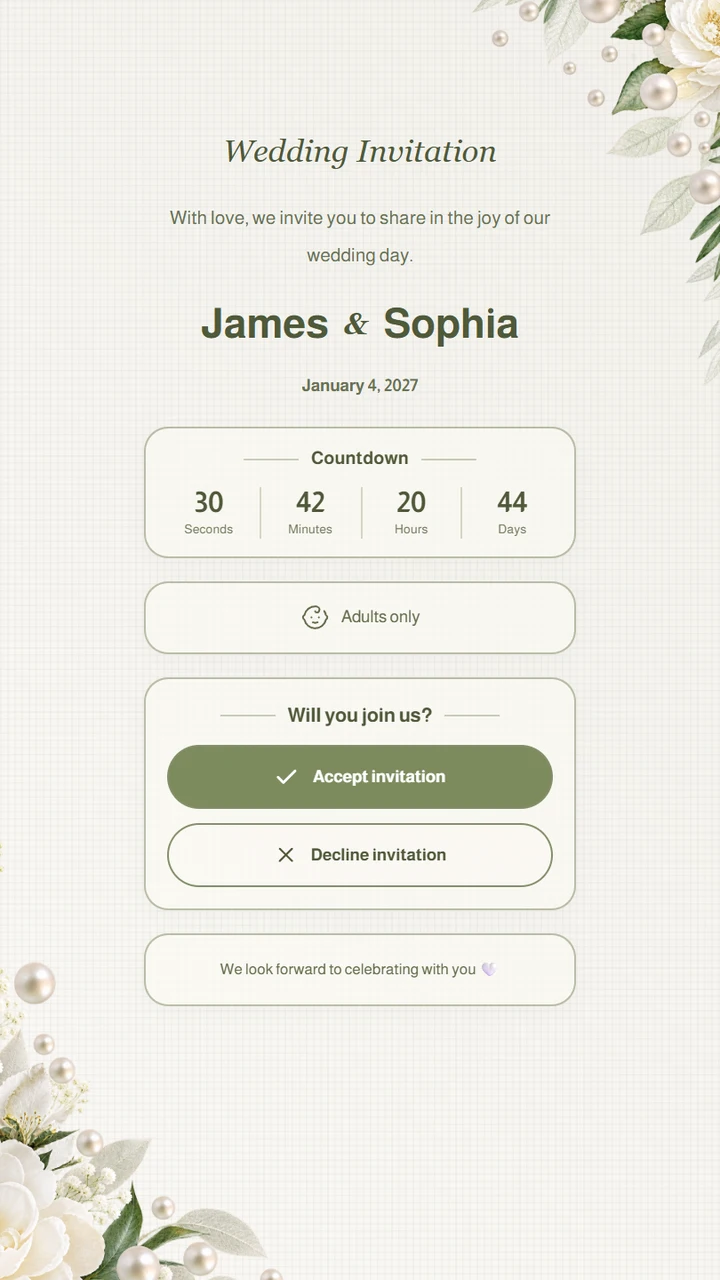
Features
Design an elegant digital invitation that fits your occasion in minutes, with music and a welcome video before it opens.
A link guests open to accept or decline in one tap and leave you a congratulation, with a QR entry pass when enabled.
Create a link for the groom's or bride's family, or anyone else, to add their guests within a limit you set, all landing in your list.
Instead of messaging each guest yourself, tap once and your invitation reaches every guest from Luqya's official number, in your design, with Accept and Decline buttons right in WhatsApp. Included in paid plans.
Add guests and companions, give each a private entry code, and track confirmations, regrets, and actual attendance live.
Designs inspired by Saudi and Arab taste, Hijri or Gregorian dates, and invites that reach guests in any country.
How it works
Enter the event details and pick the right style for the invitation.
Add guest names, numbers, and companion counts easily.
Send the invitation to every guest on WhatsApp in one tap (paid plans), or share each guest's link yourself, and their replies arrive in your dashboard.
Invitation themes
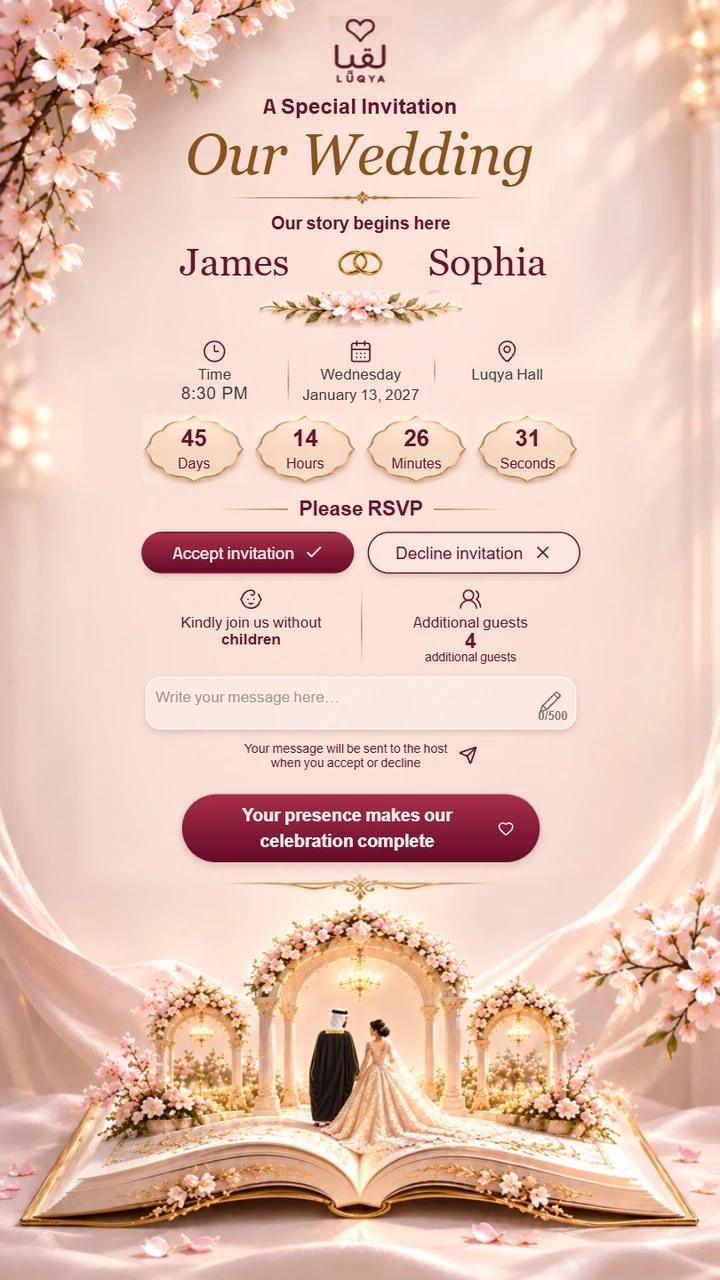
A bride and groom beneath cherry blossom arches on the pages of an open book.
View sample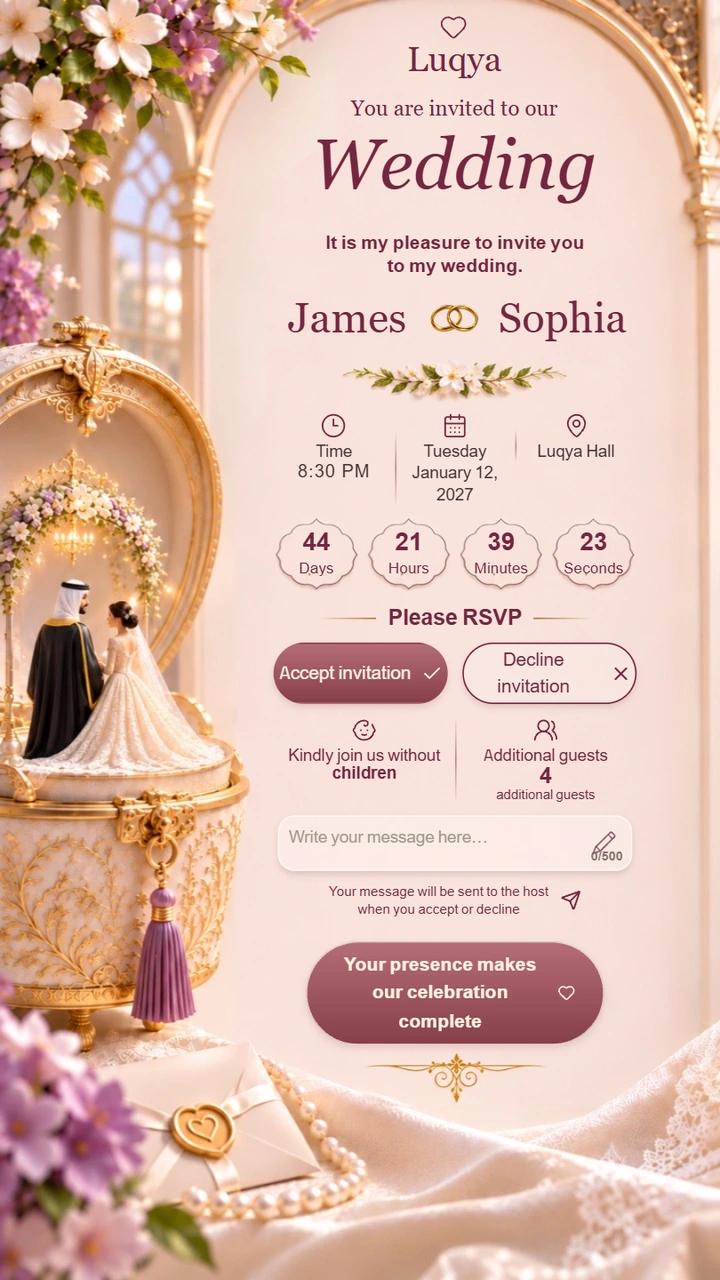
A miniature bride and groom beneath a floral arch in a gilded keepsake box.
View sample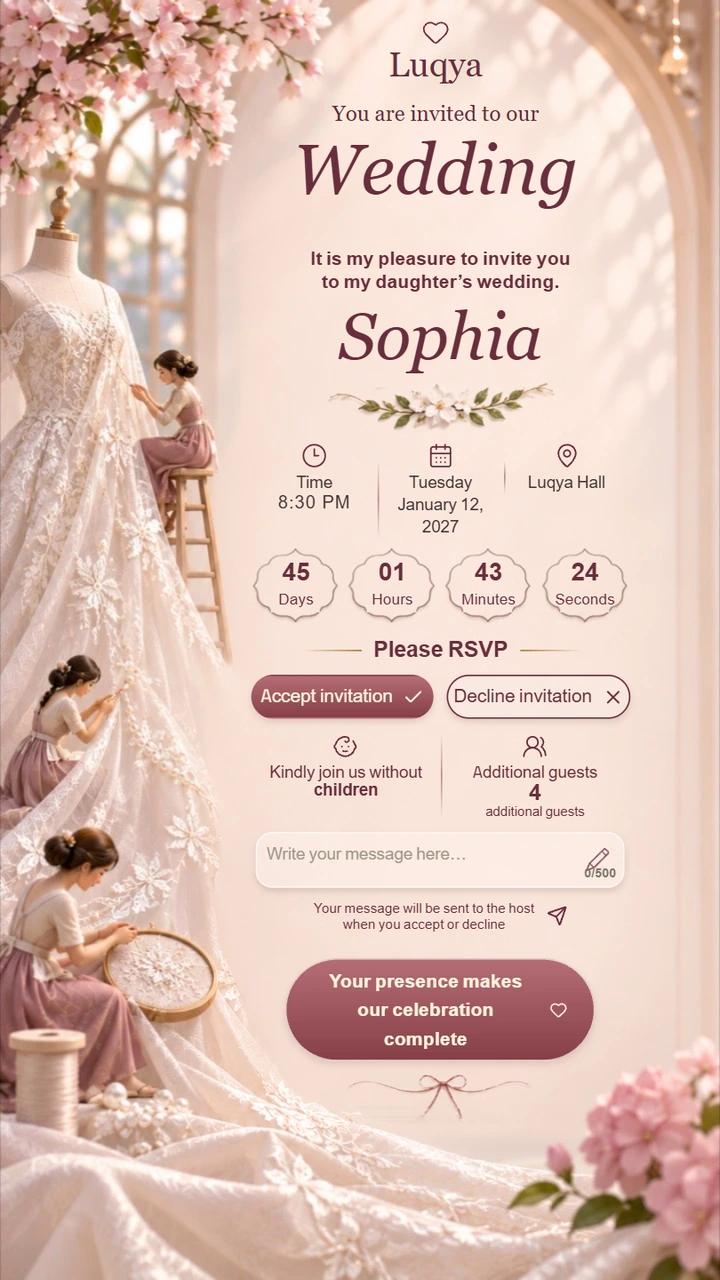
Three seamstresses embroider an ivory gown beneath soft pink blossoms.
View sample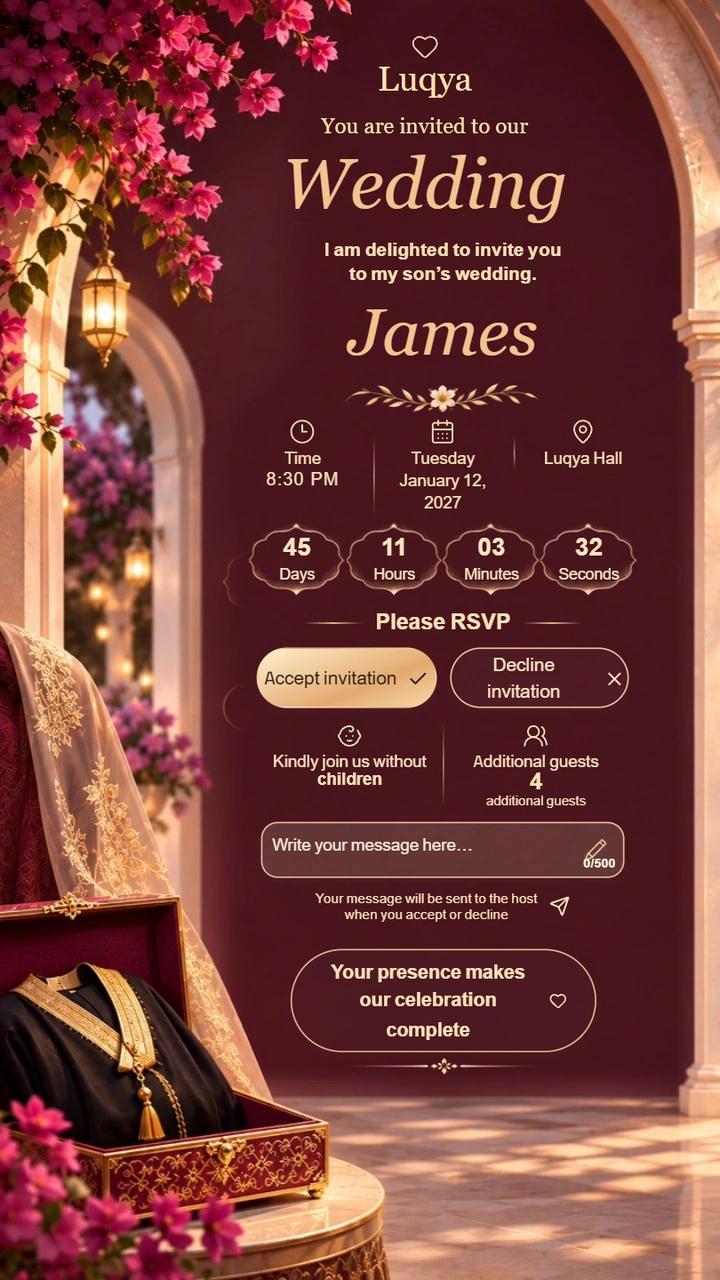
A gold-embroidered bisht beneath bougainvillea and lantern-lit arches.
View sample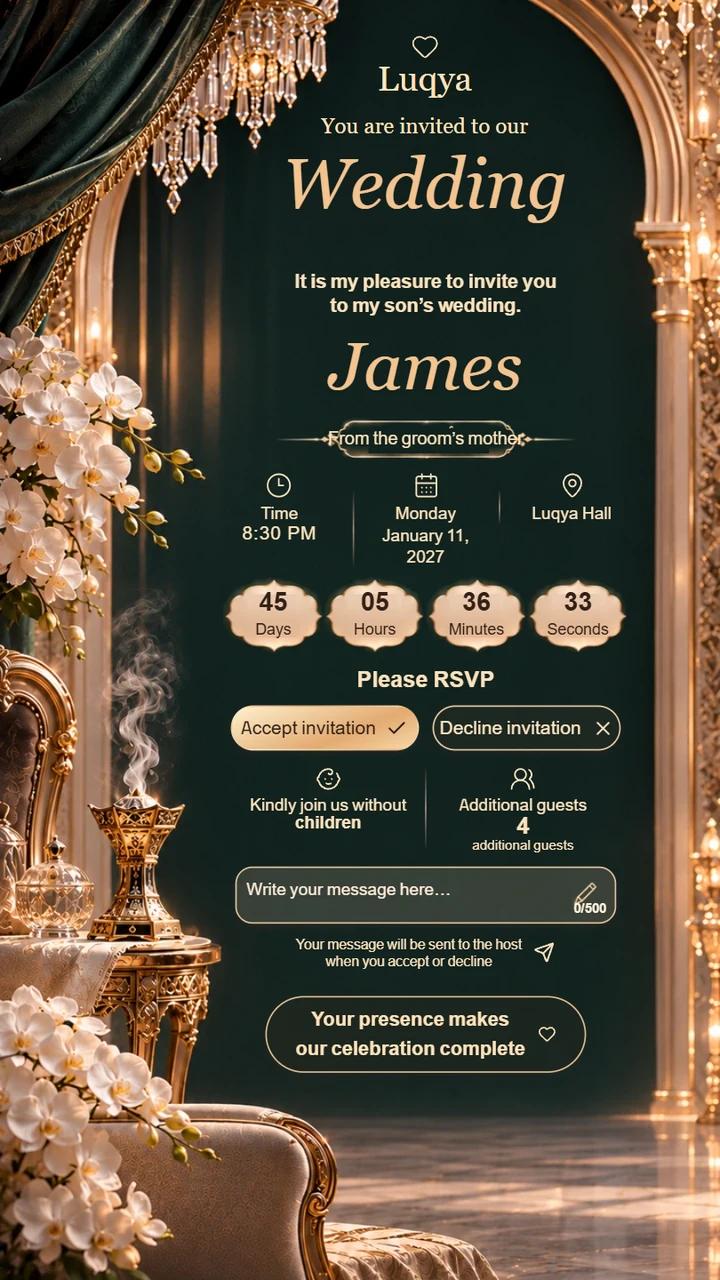
White orchids, a golden incense burner and crystal chandeliers against emerald velvet.
View sample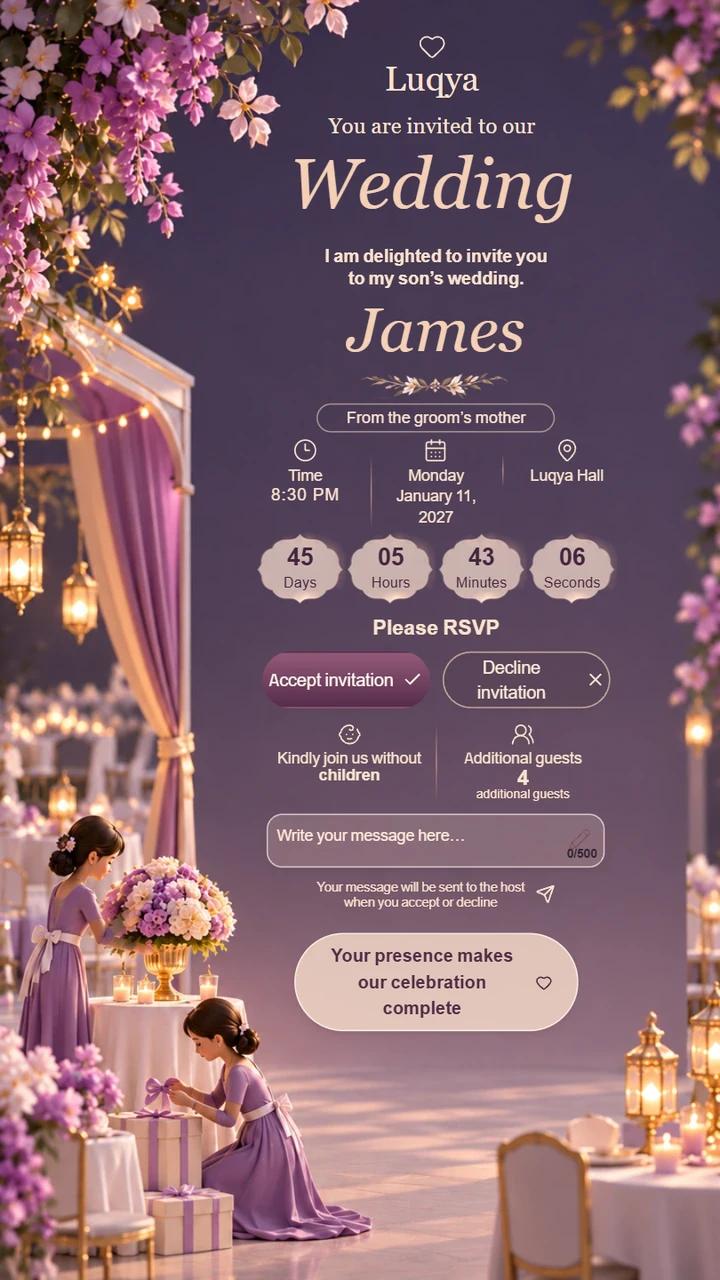
An invitation from the groom’s mother, framed by lilac blossoms and glowing lanterns.
View sample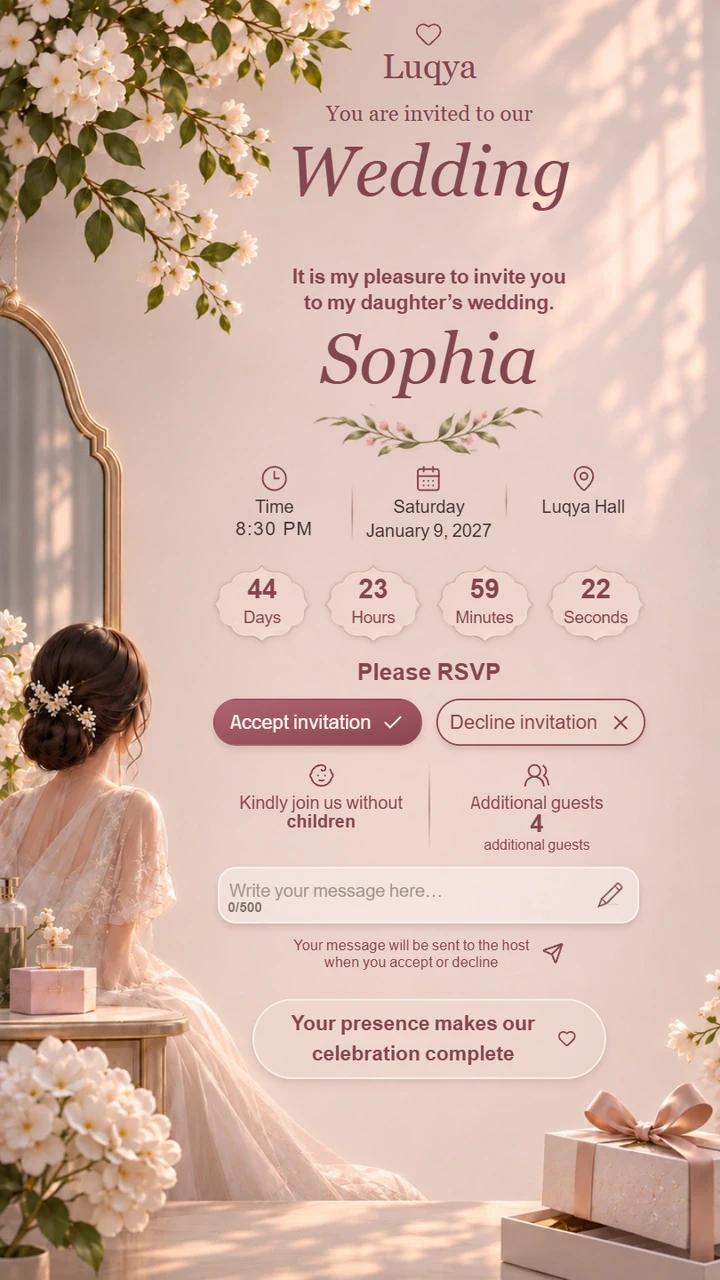
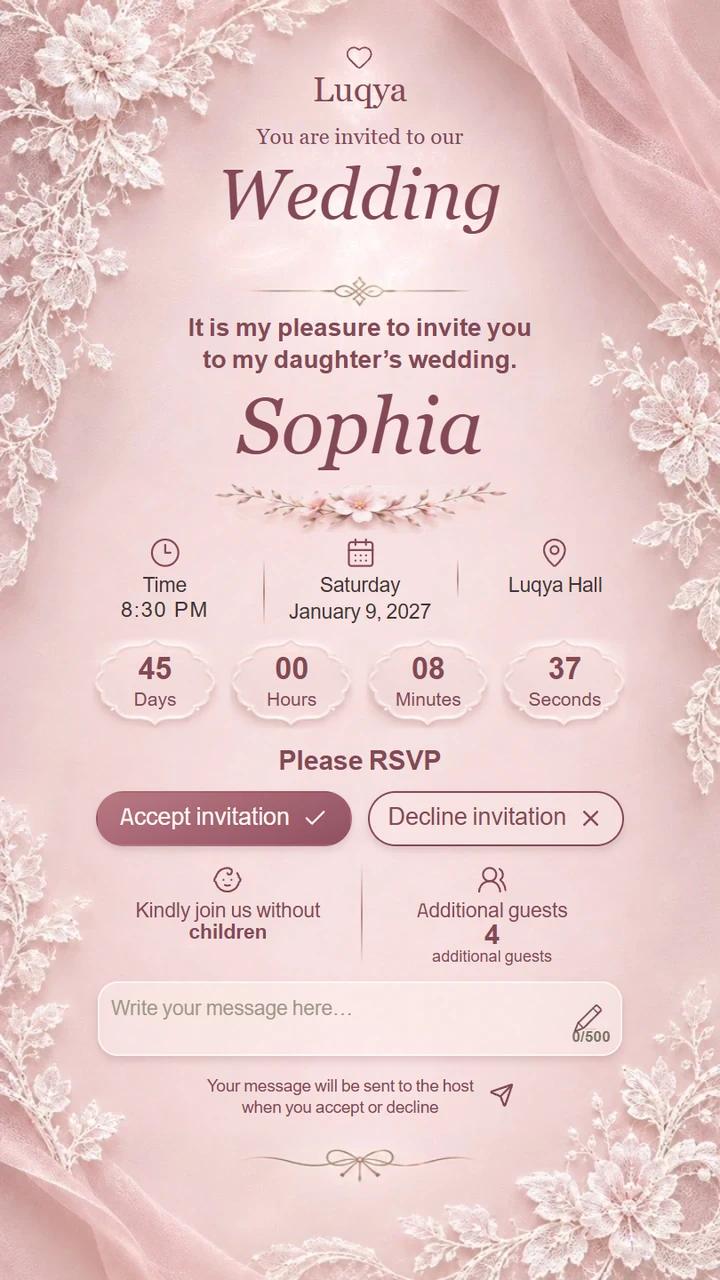
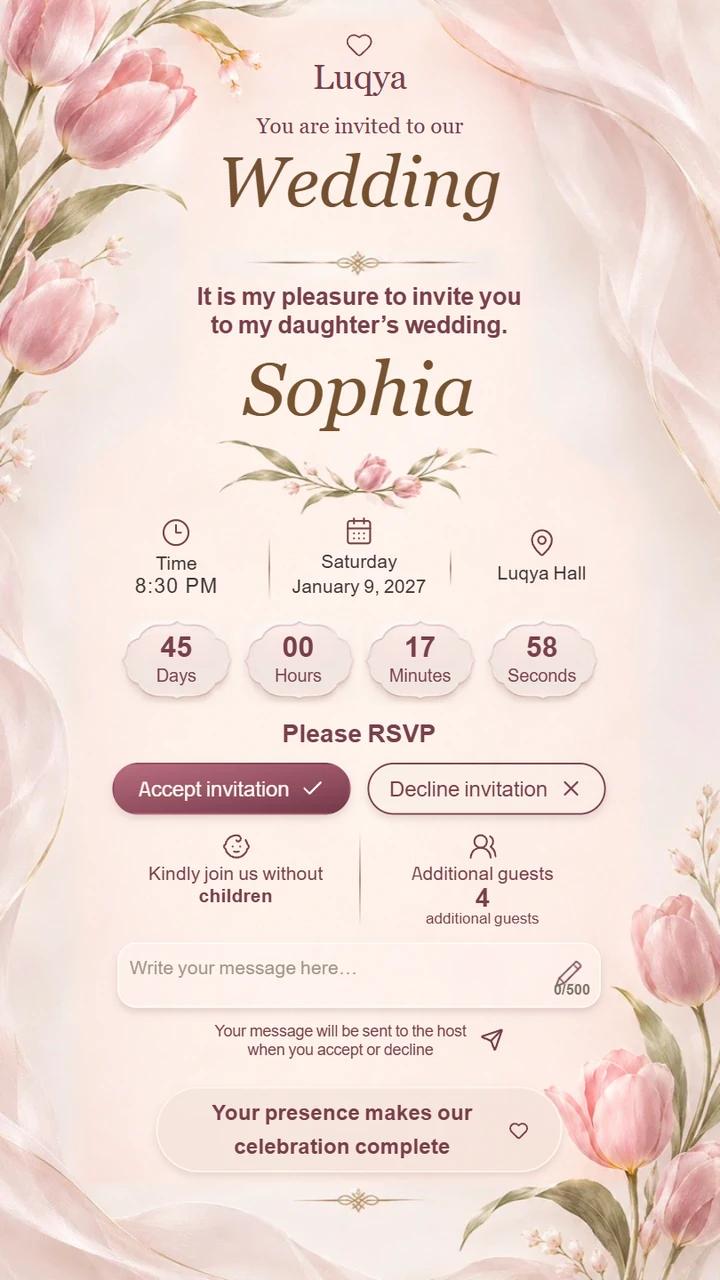
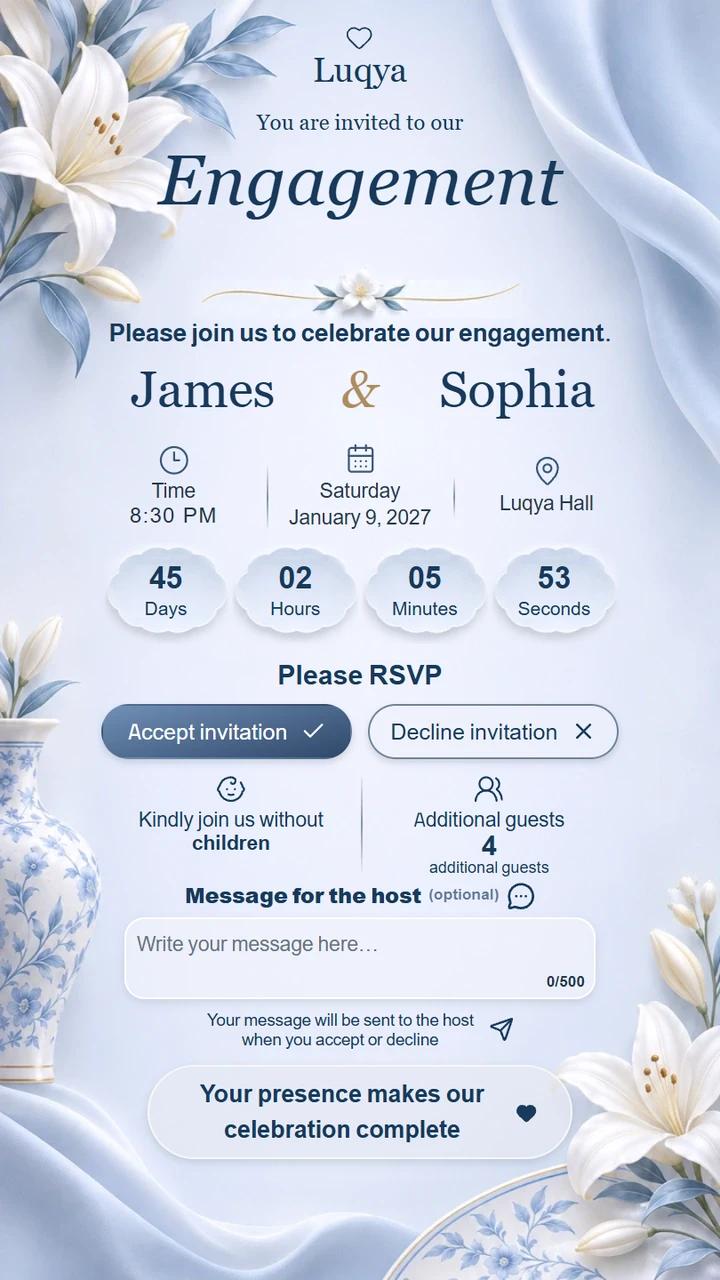
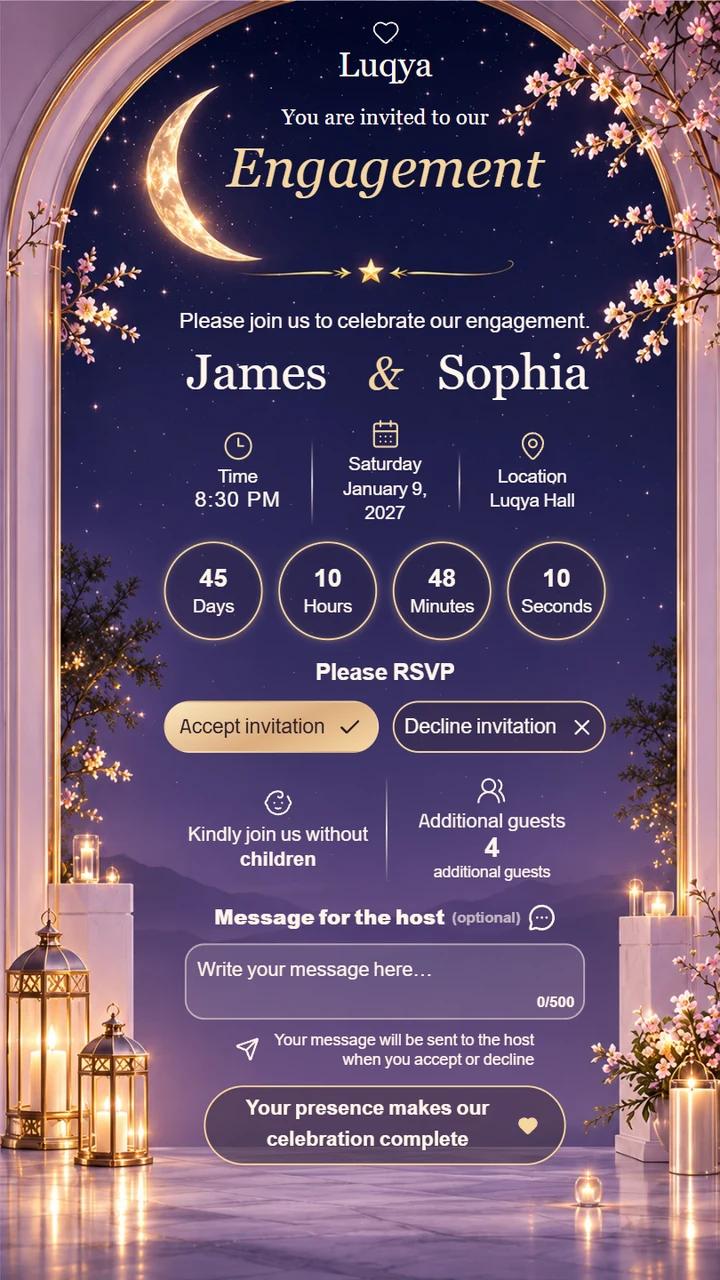
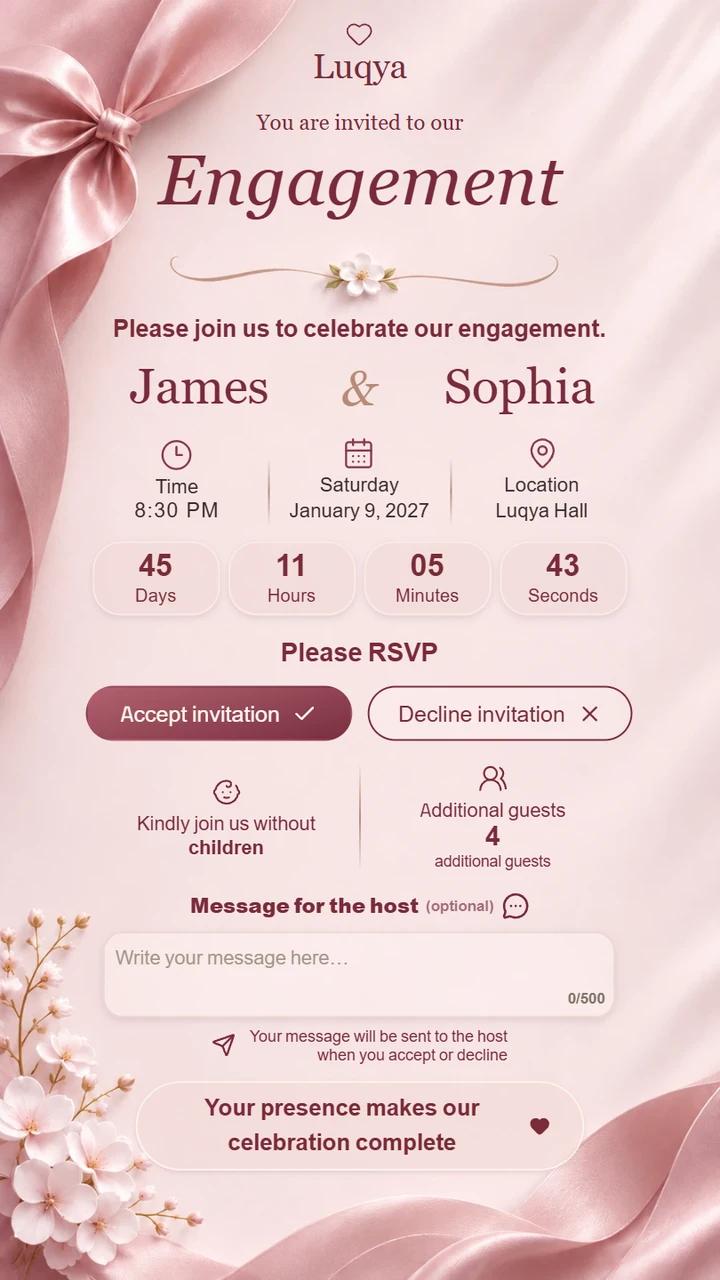
A blush satin bow and white blossoms frame the engagement invitation.
View sample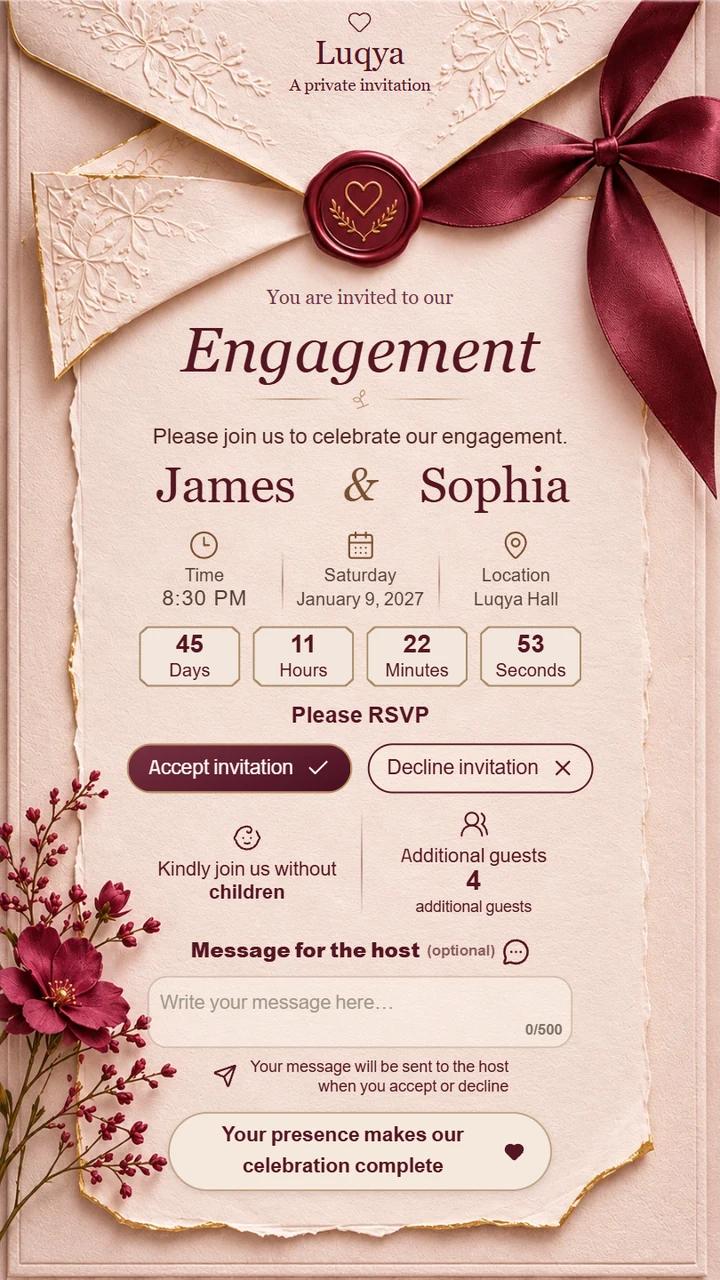
An embossed ivory envelope with a burgundy satin bow and wax seal.
View sample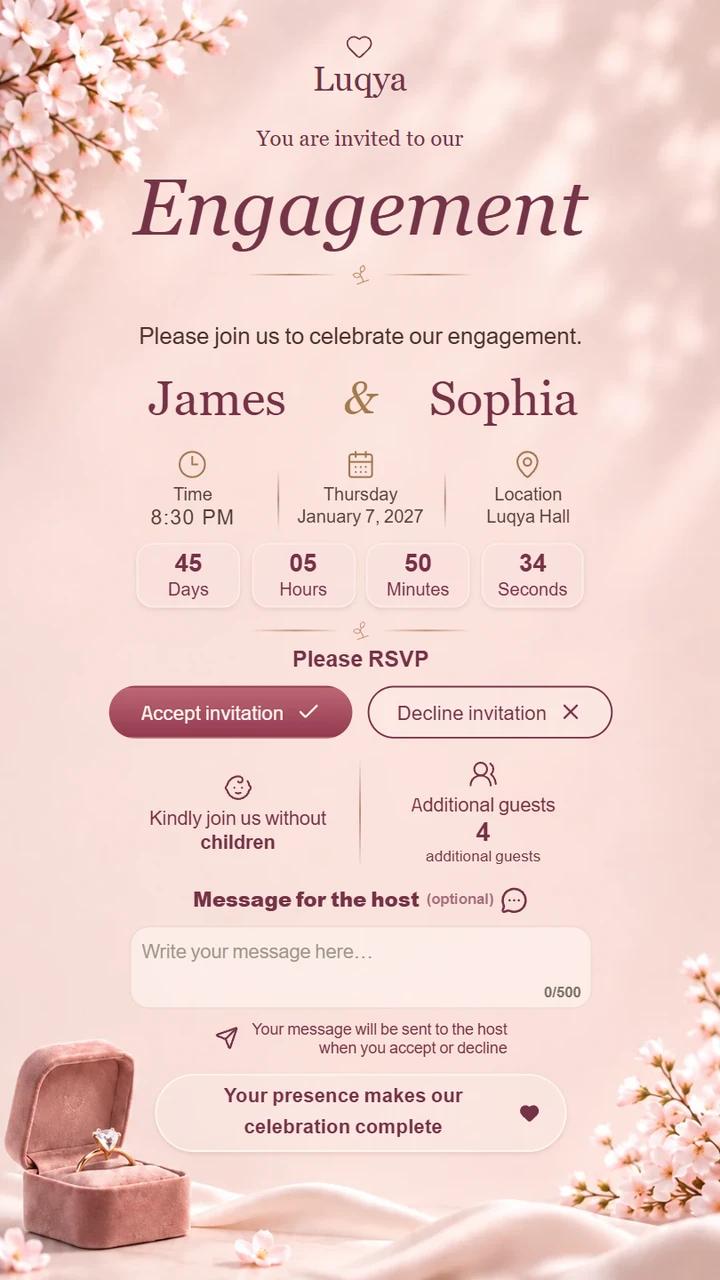
Pink cherry blossoms and a velvet ring box on folds of ivory satin.
View sample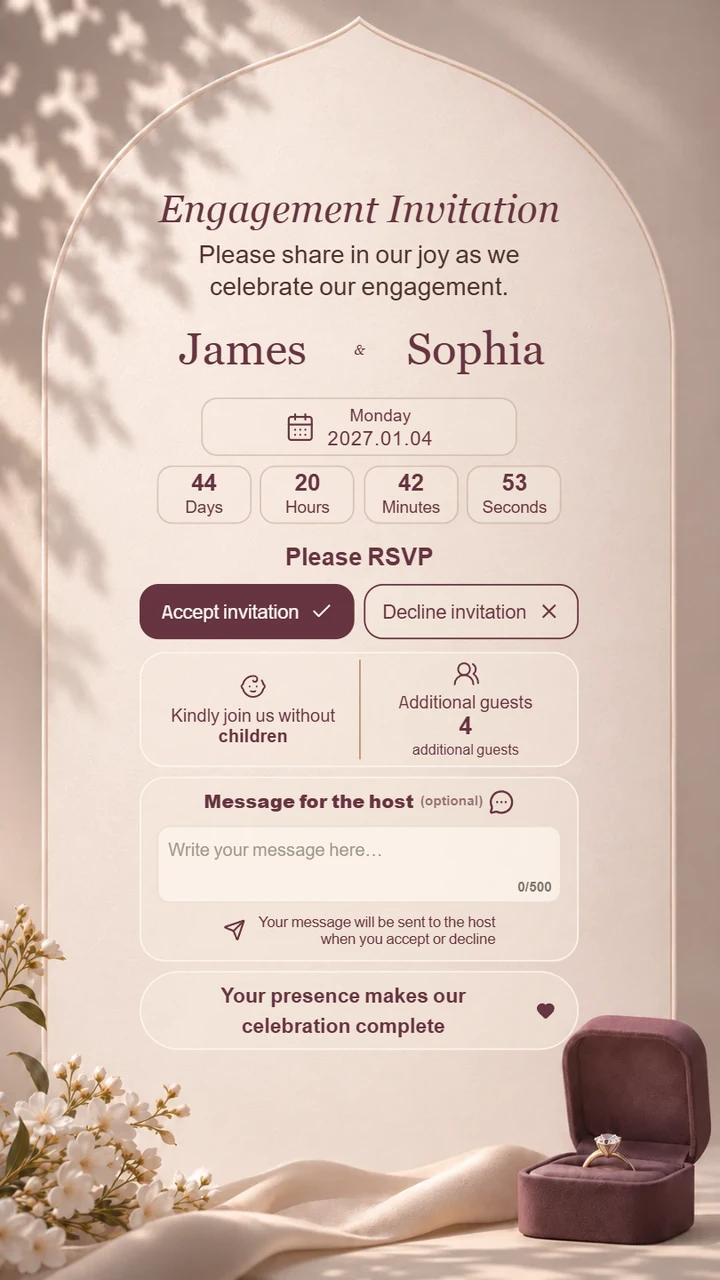
An ivory arch, white jasmine and a ring nestled in burgundy velvet.
View sample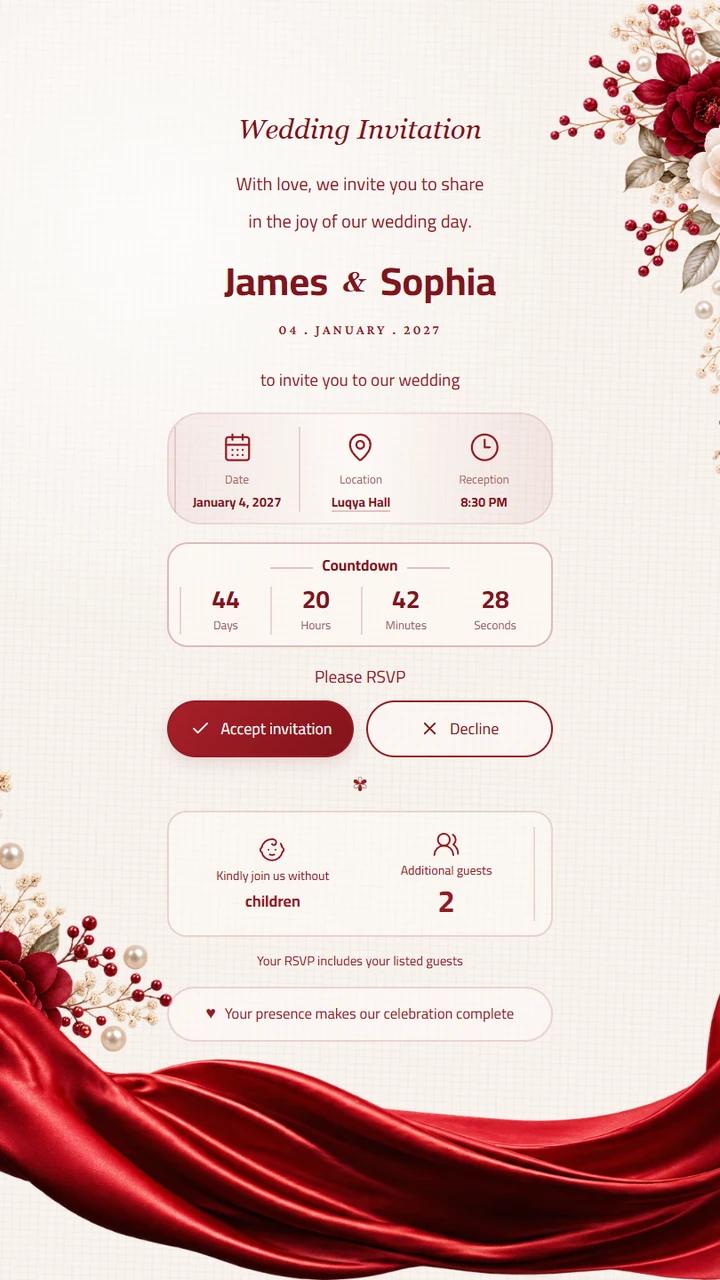
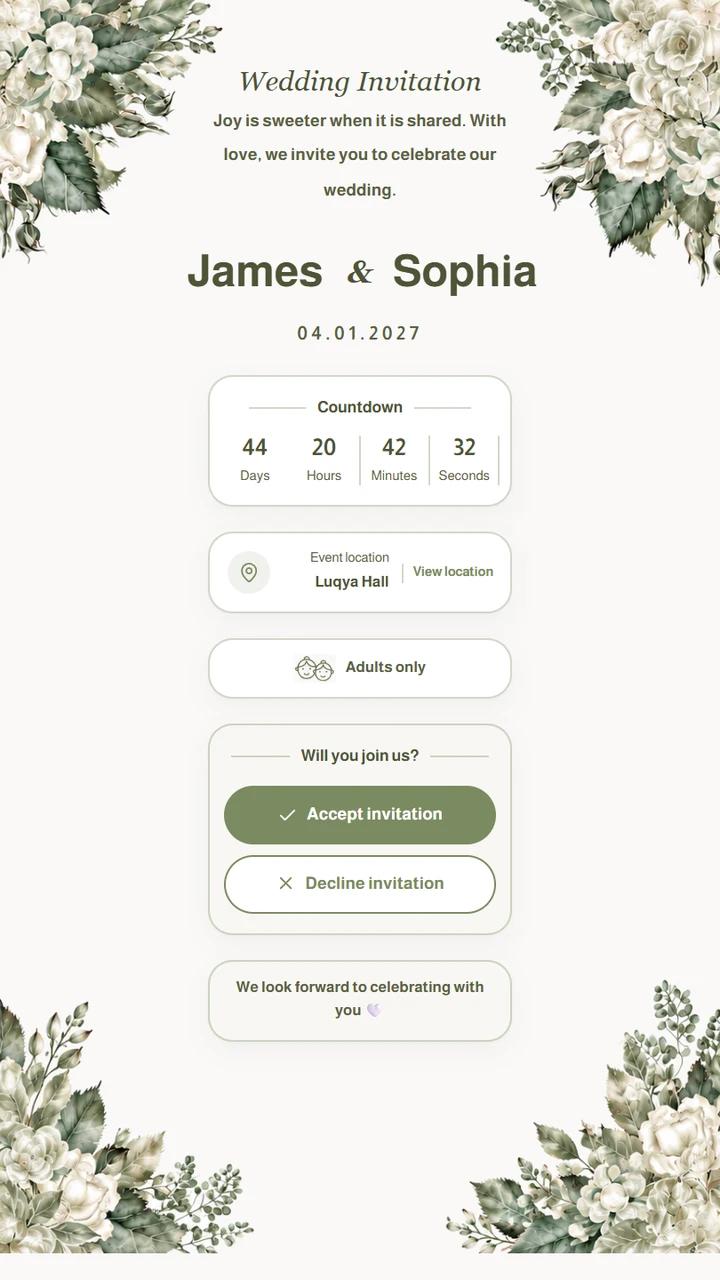
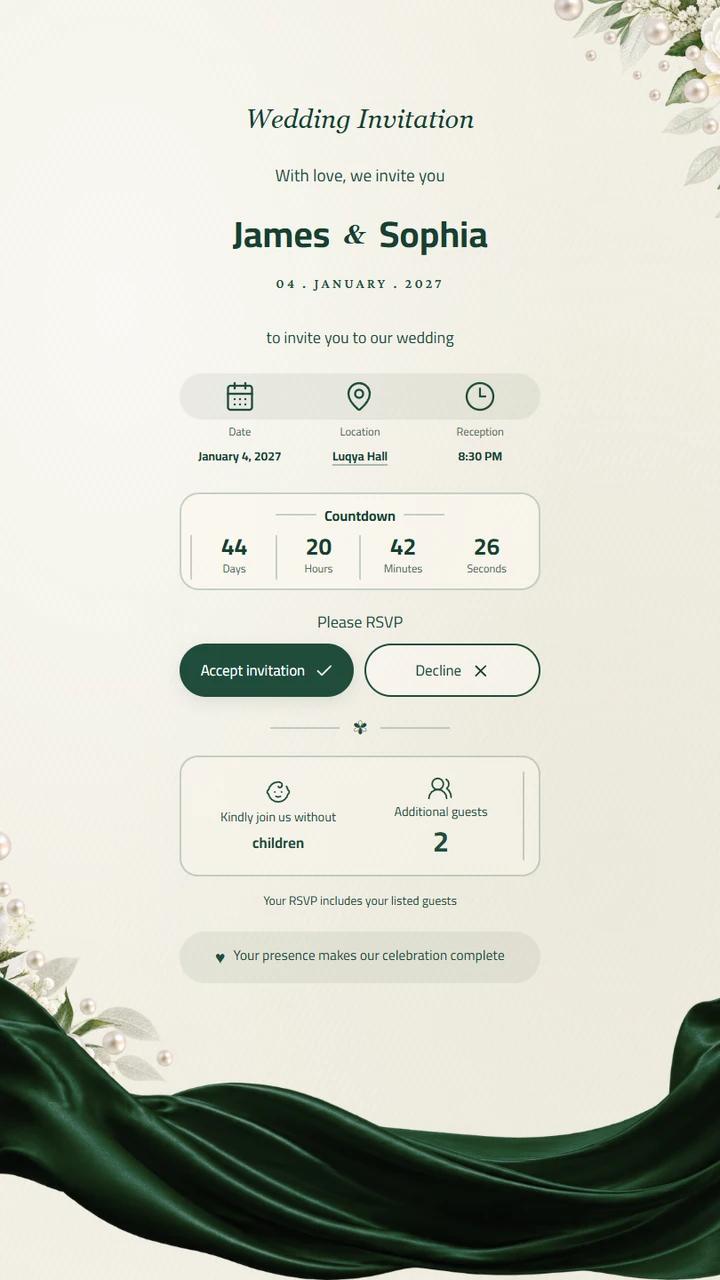
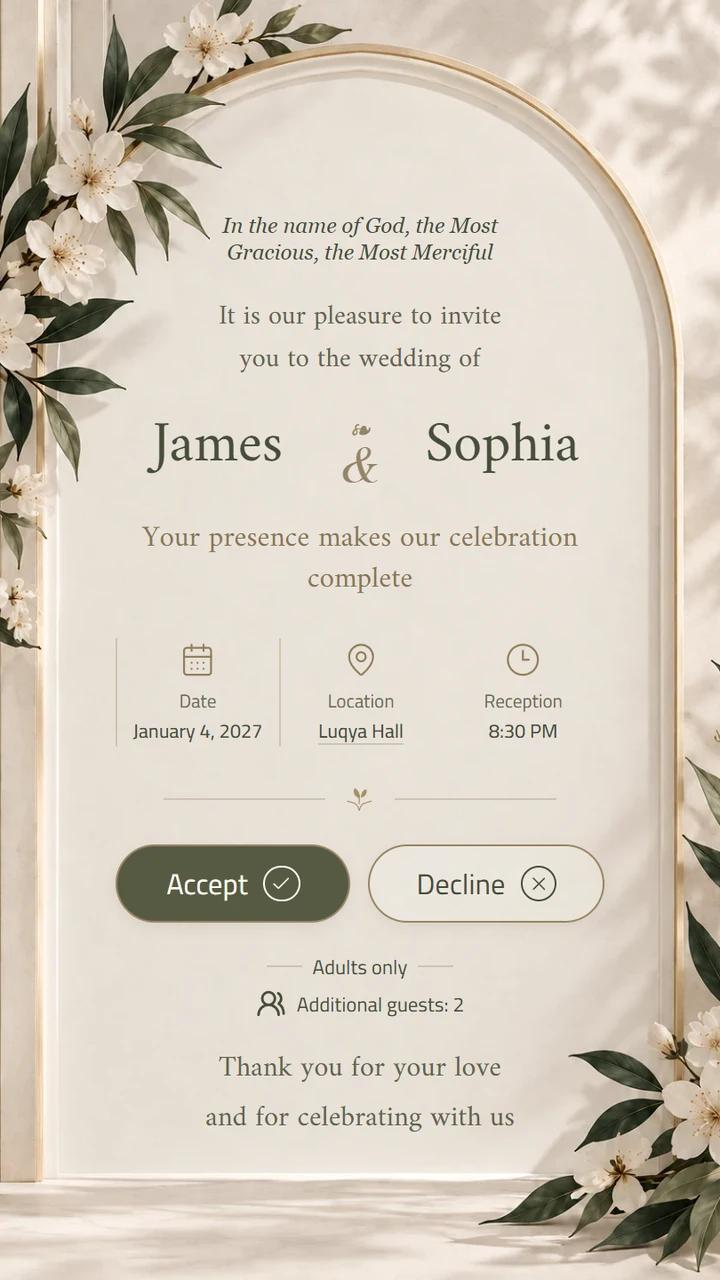
An ivory arch with a gold frame, white flowers, and olive leaves.
View sample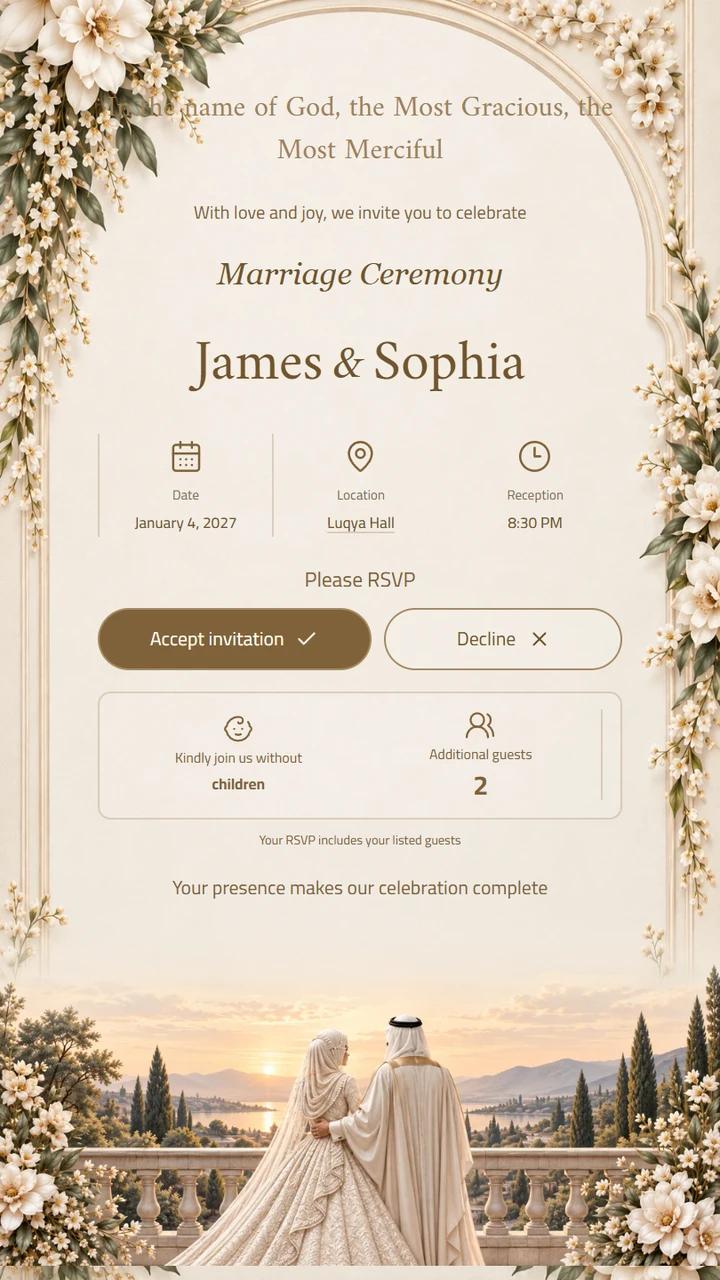
White flowers, a softly gilded ivory frame, and the couple at sunset.
View sample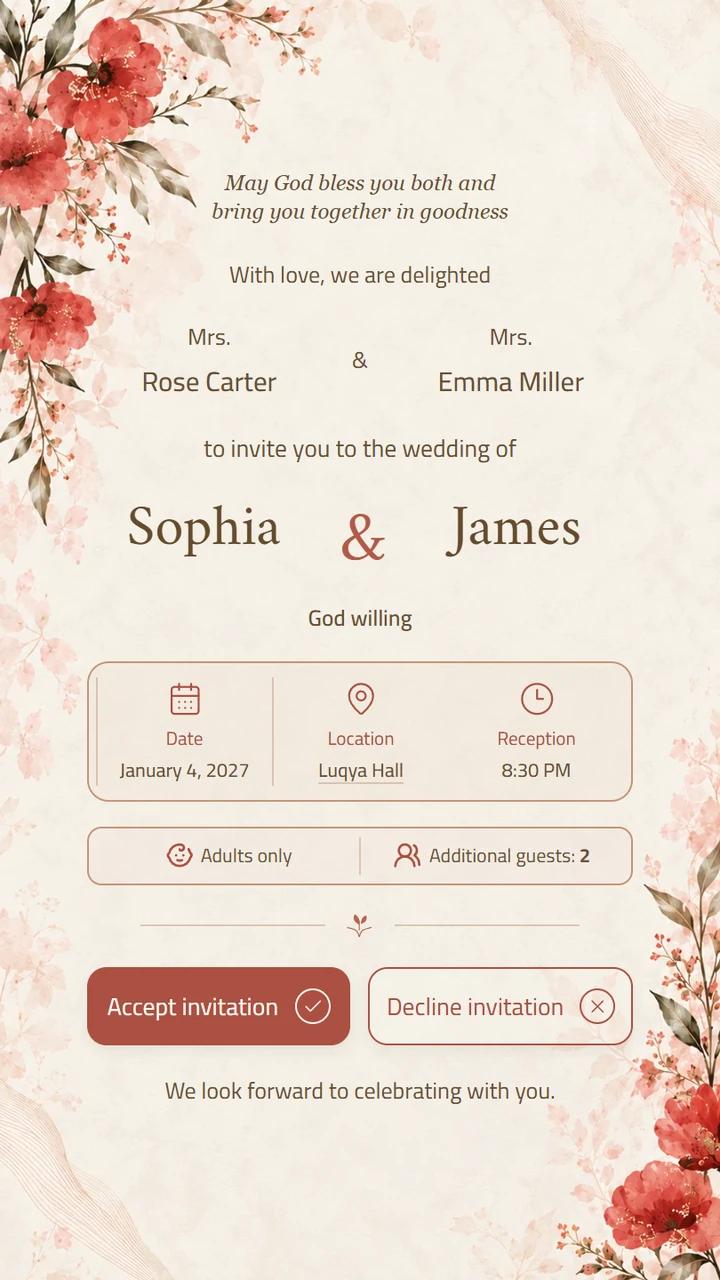
Coral watercolor flowers on ivory paper with a wedding blessing.
View sample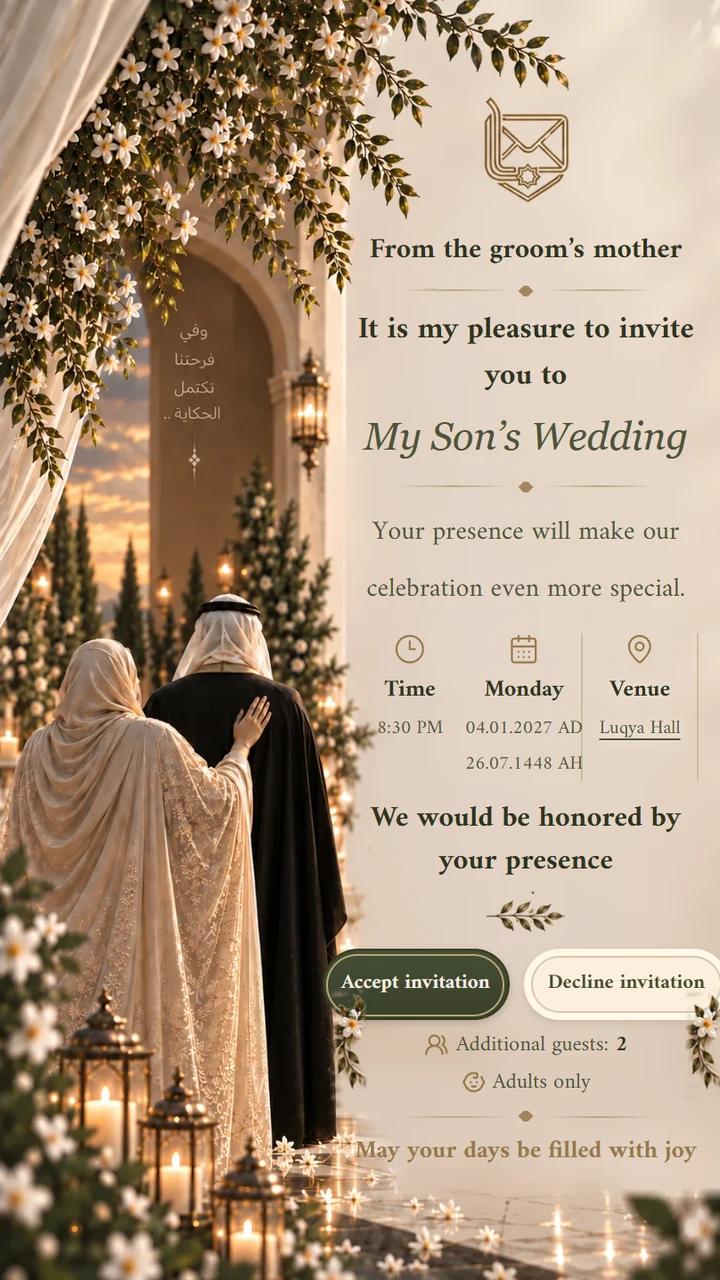
A jasmine arch and lanterns at sunset with olive-green lettering.
View sample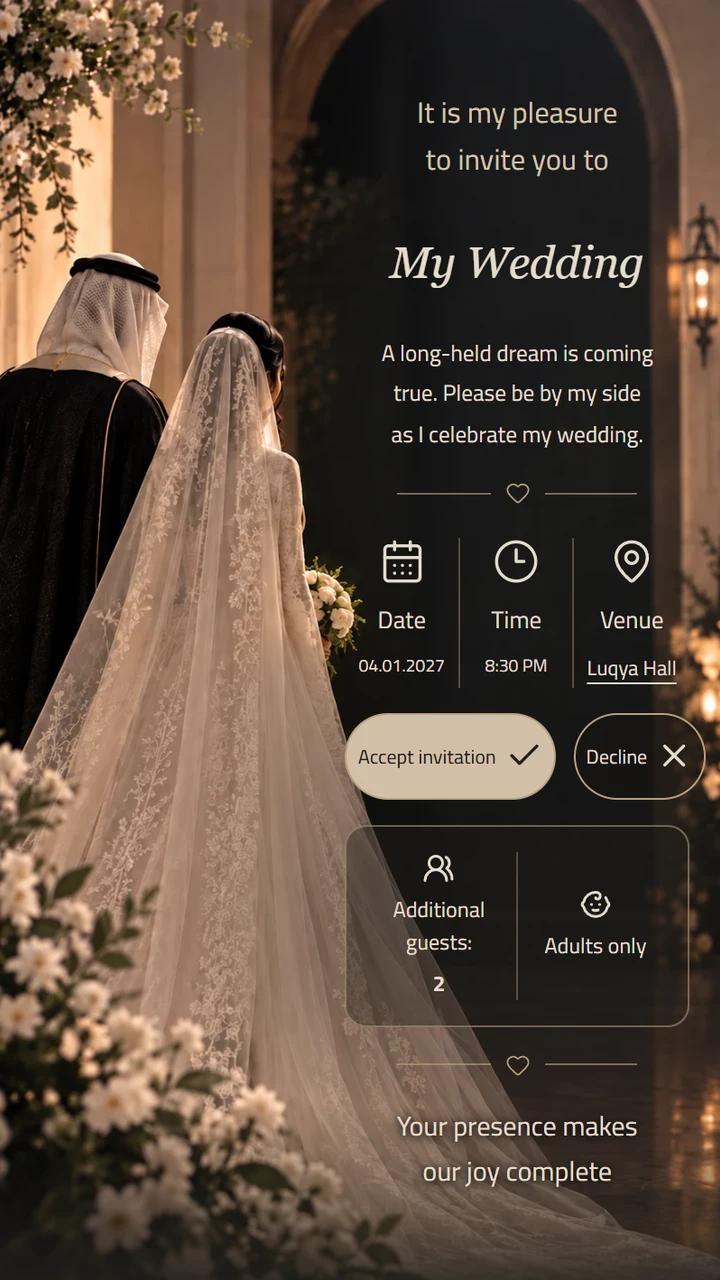
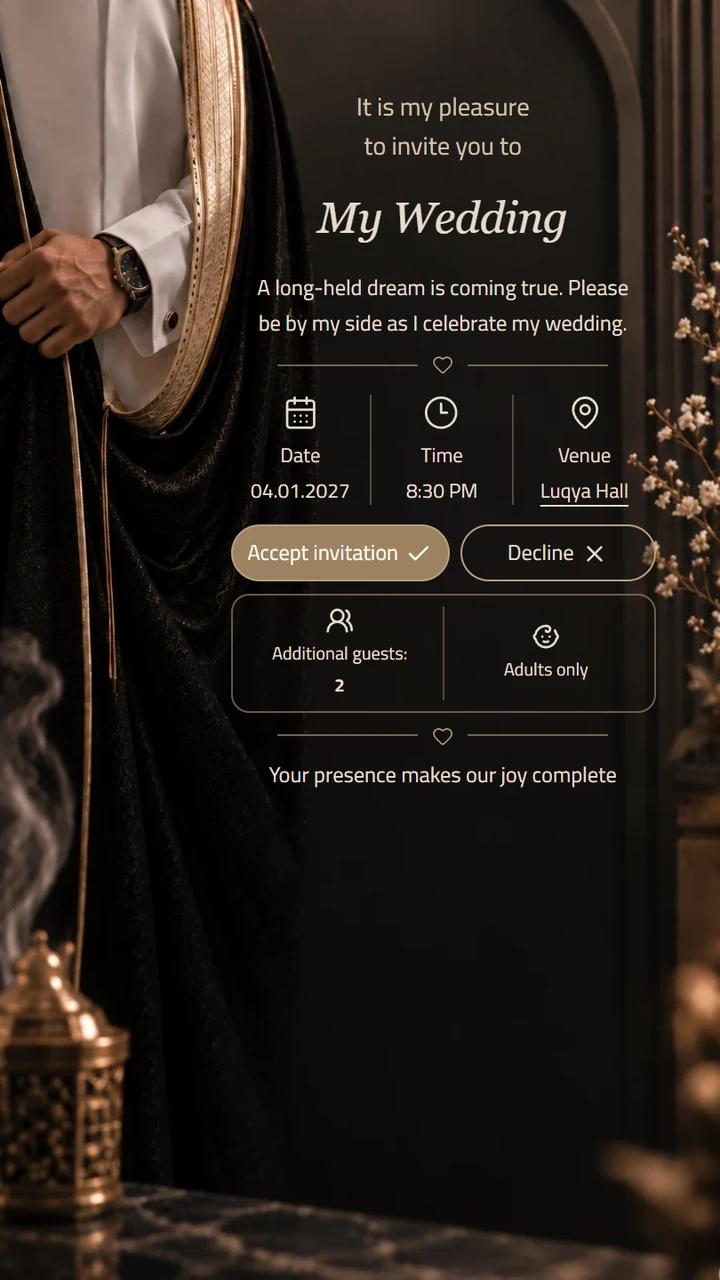
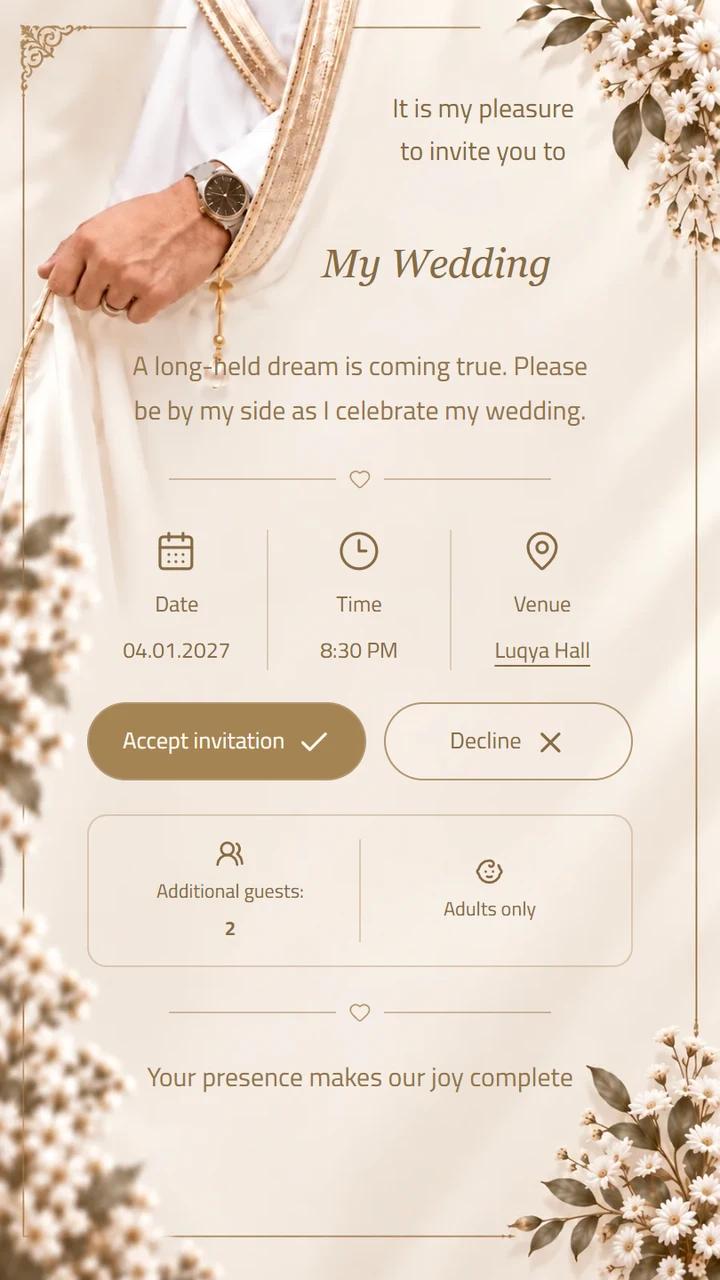
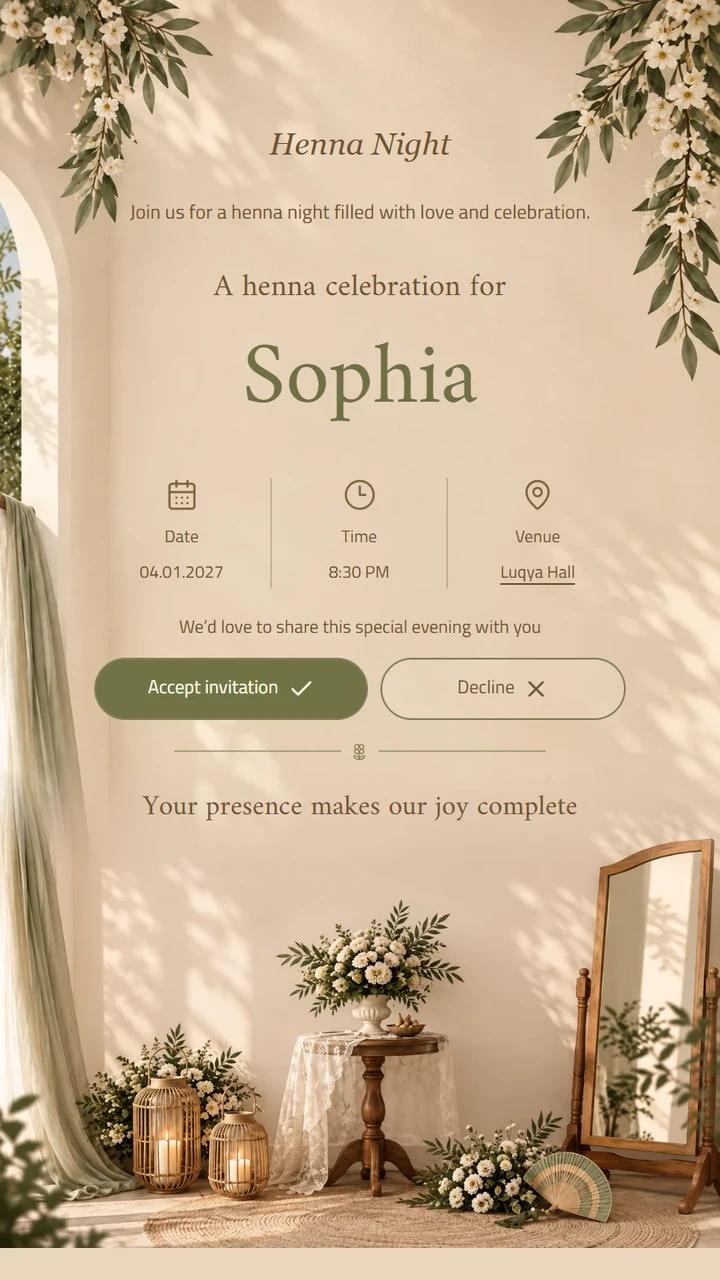
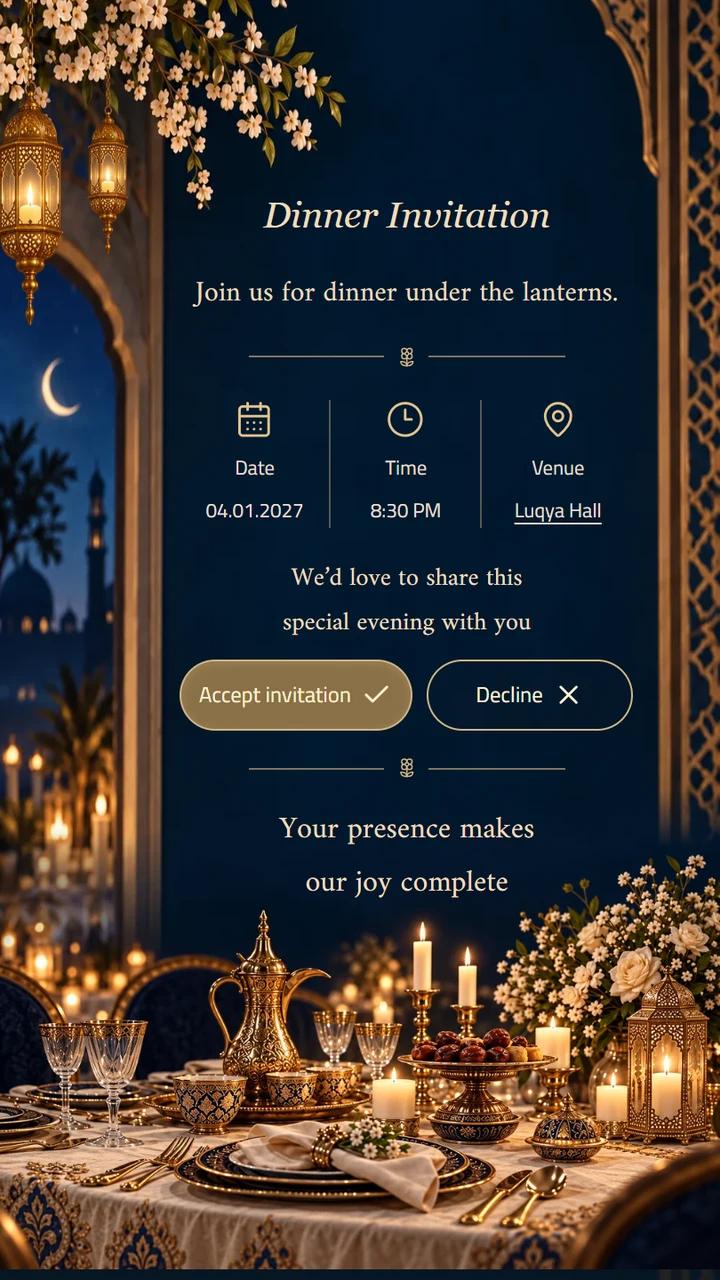
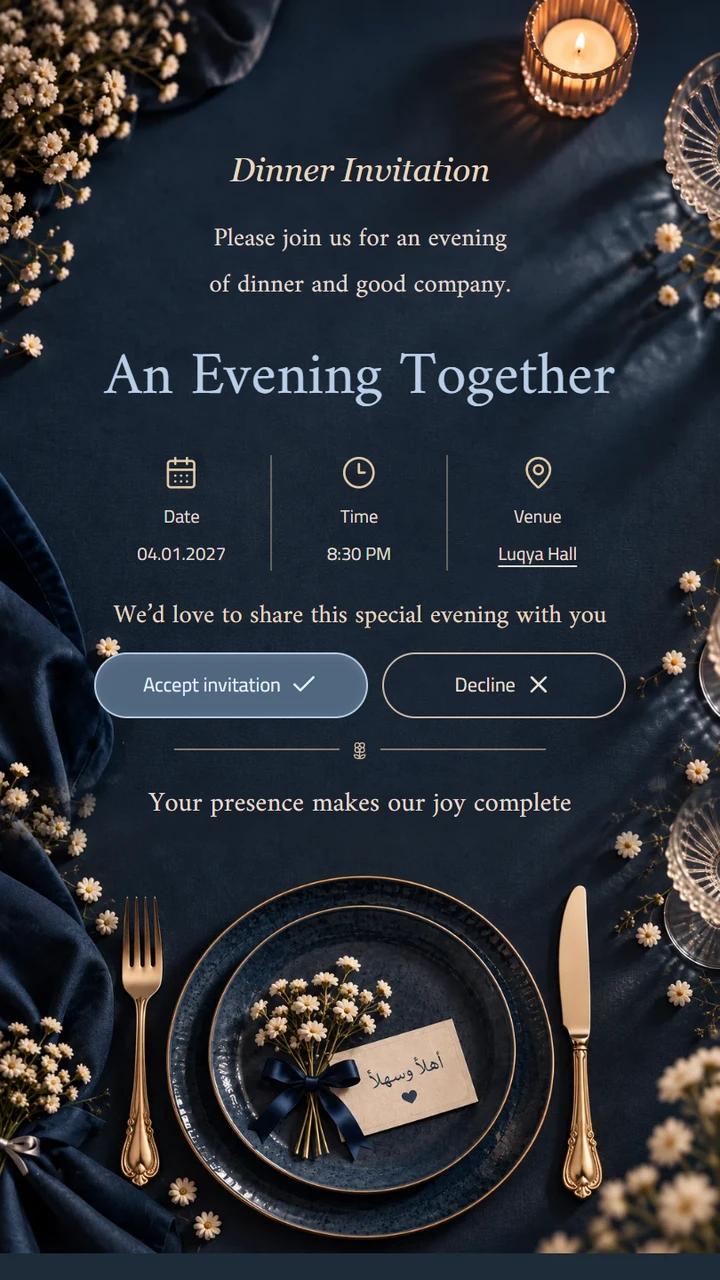
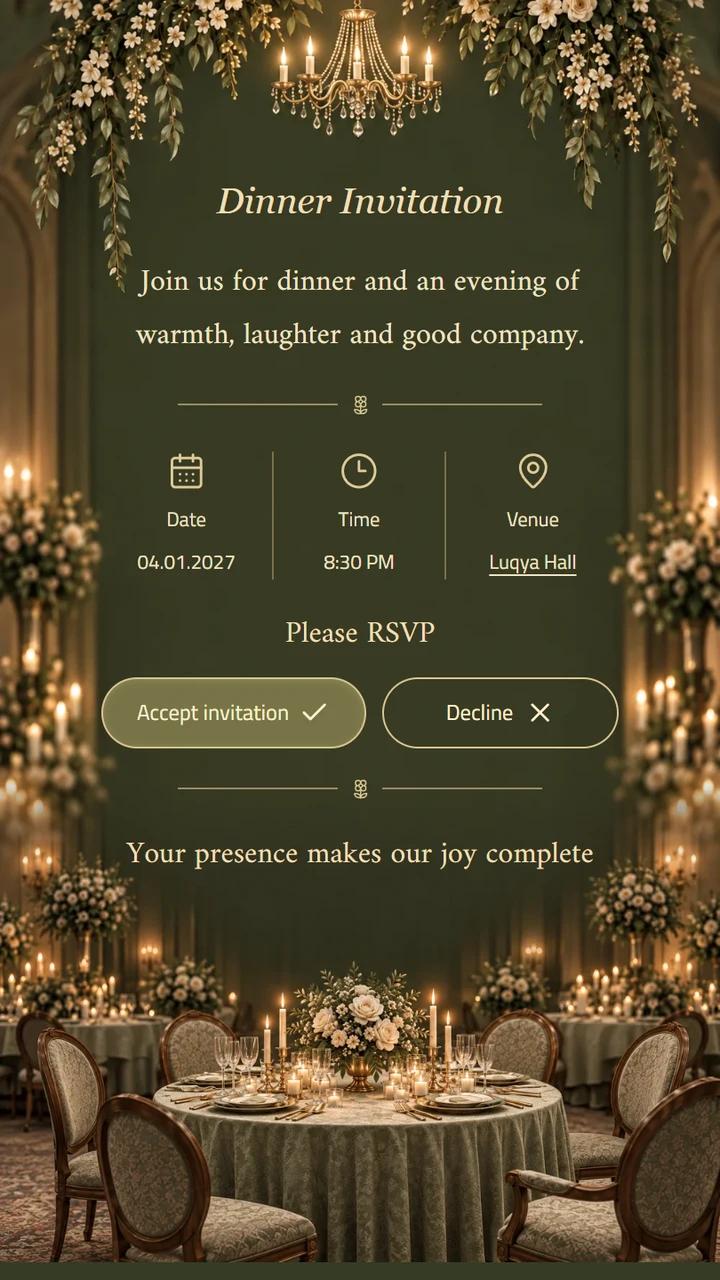
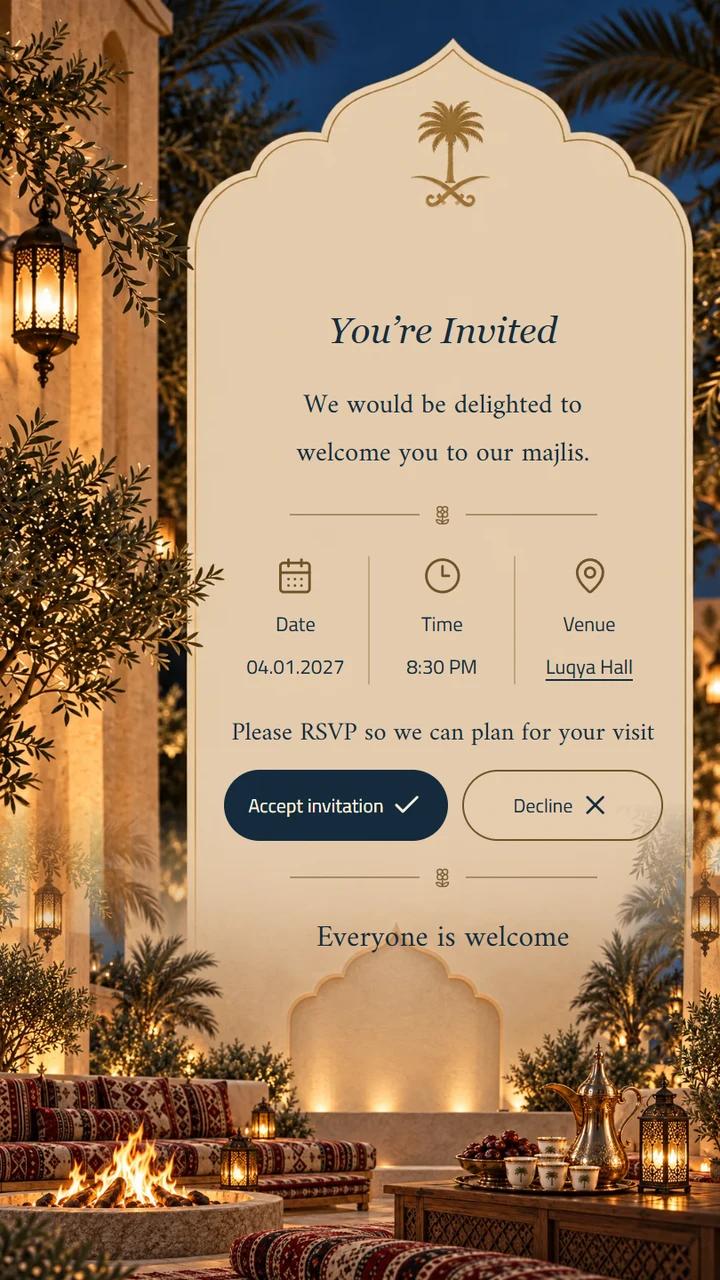
A heritage majlis in sand and navy with a coffee dallah and lanterns.
View sample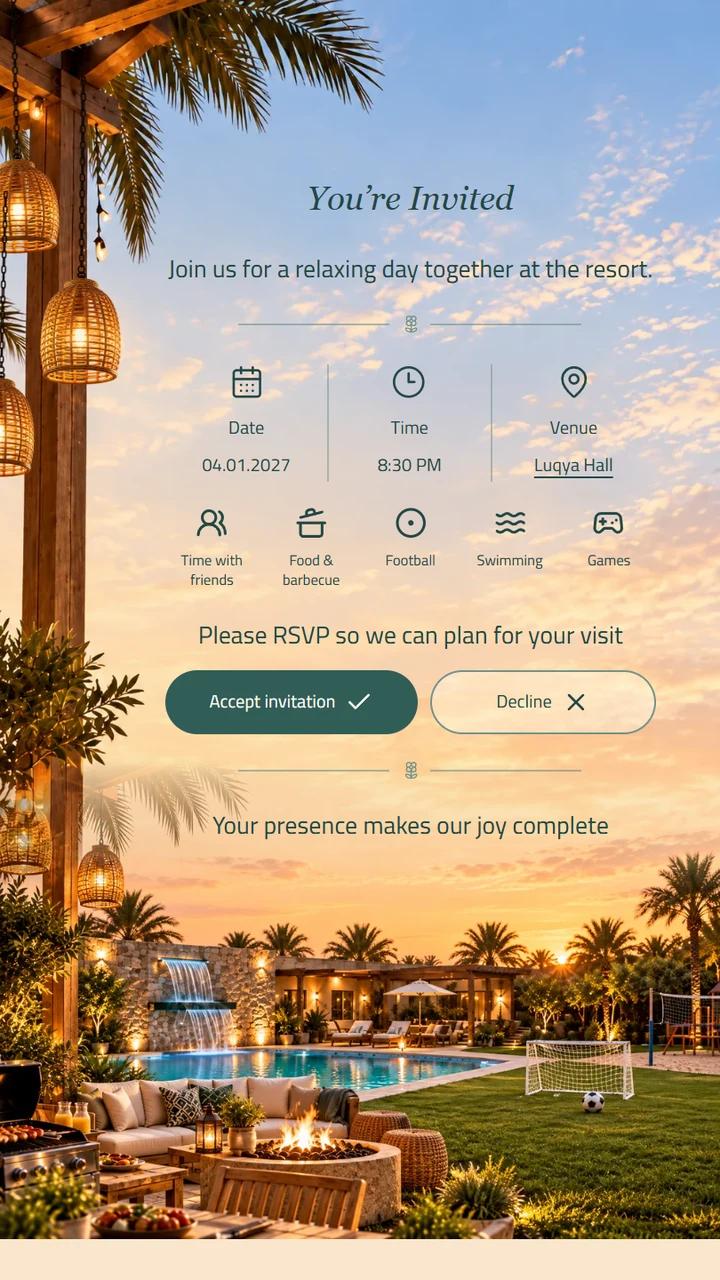
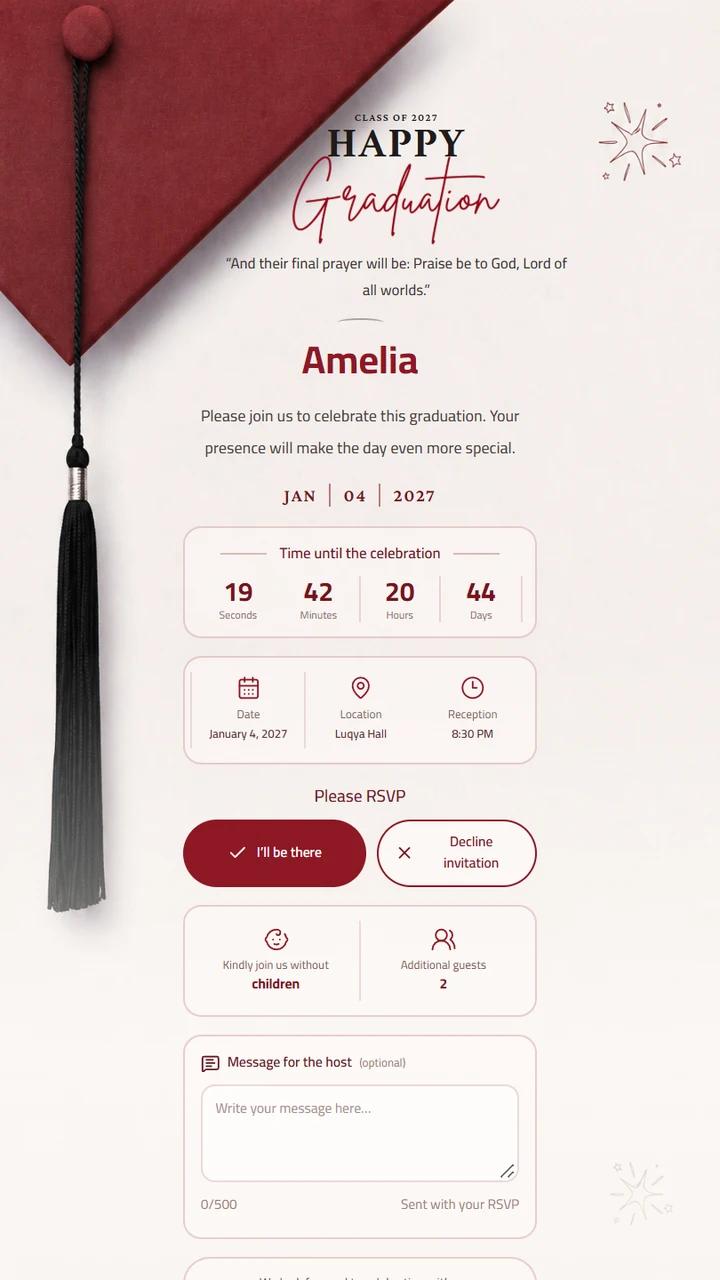
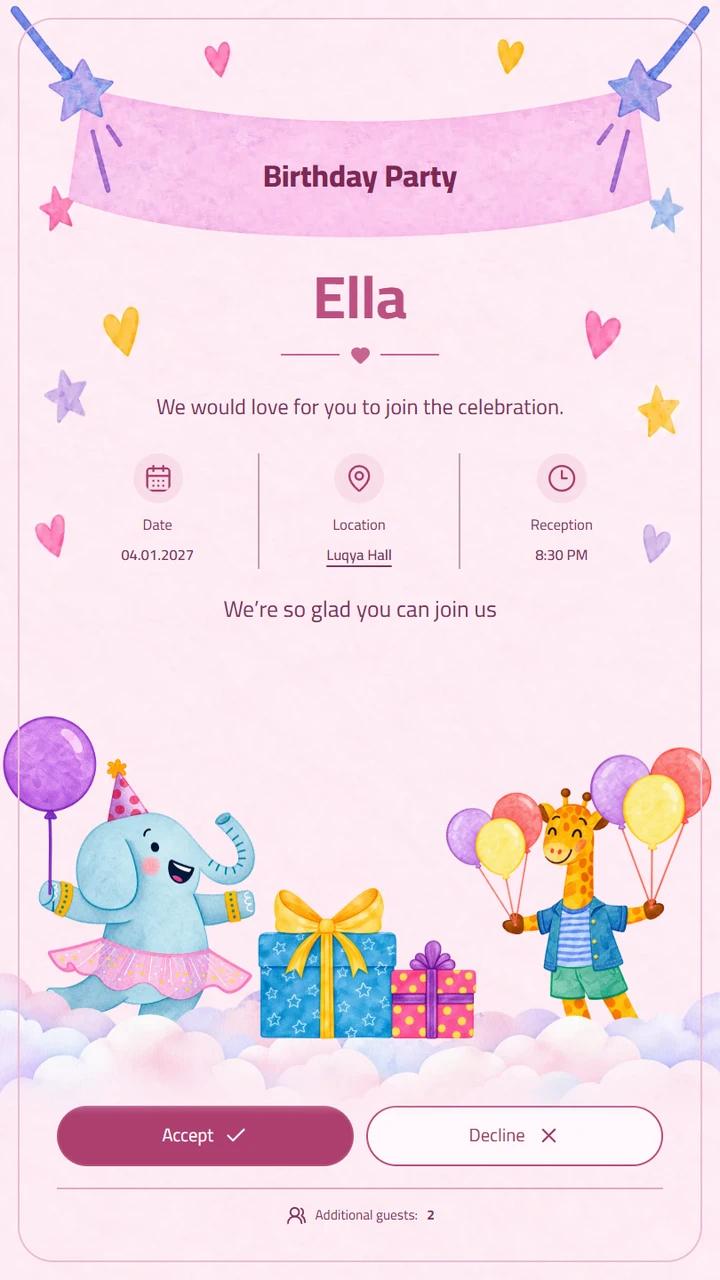
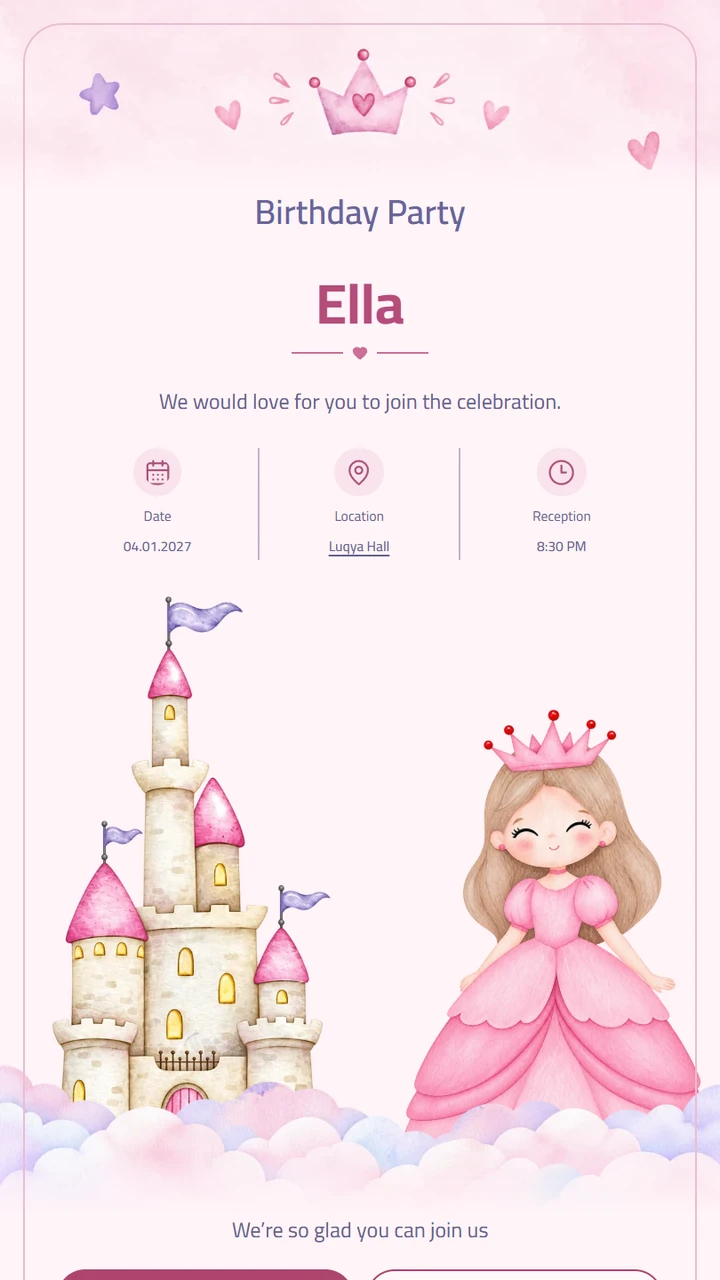
A pink party with an elephant, giraffe, and balloons in playful watercolor.
View sample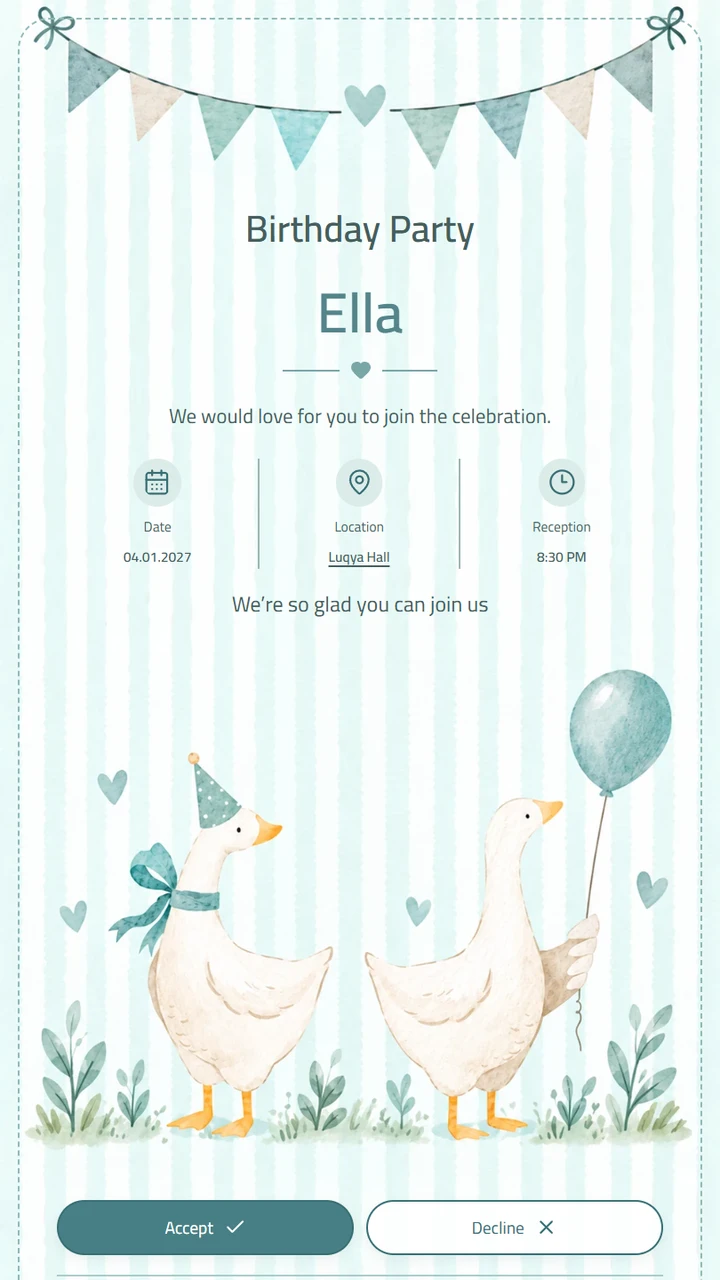
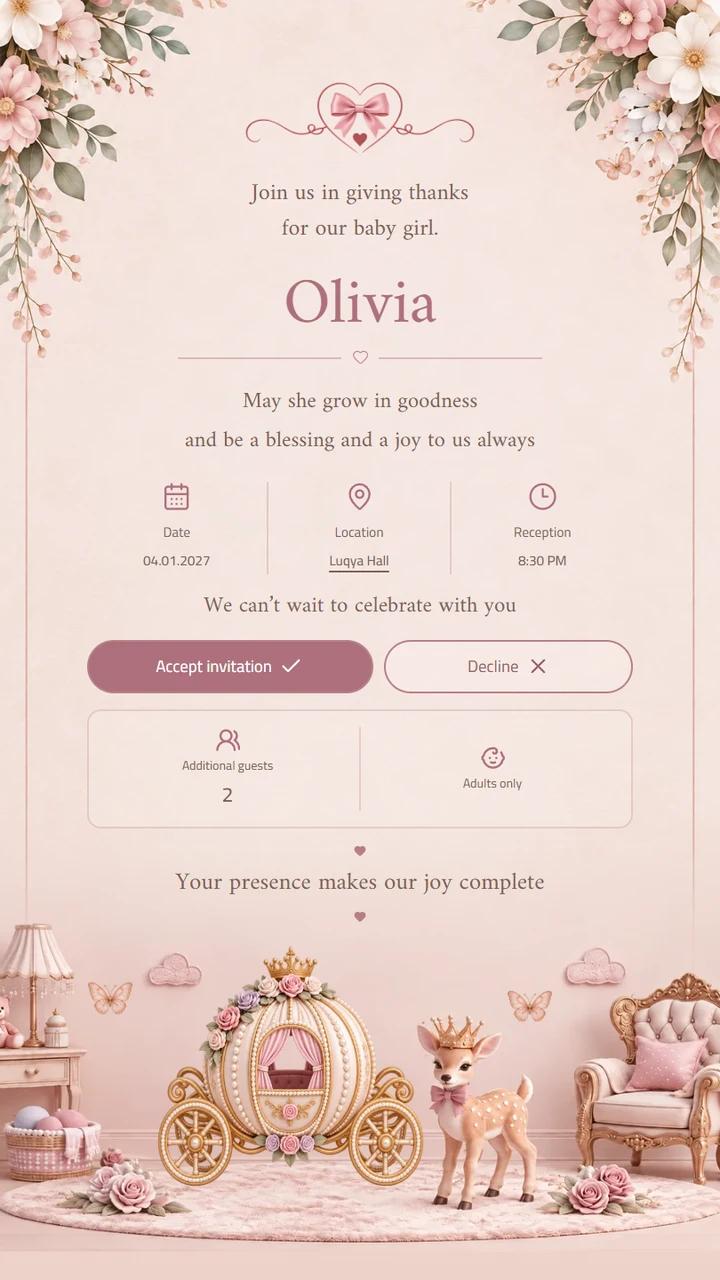
A birth announcement with pink florals, a pearl carriage, and a crowned gazelle.
View sample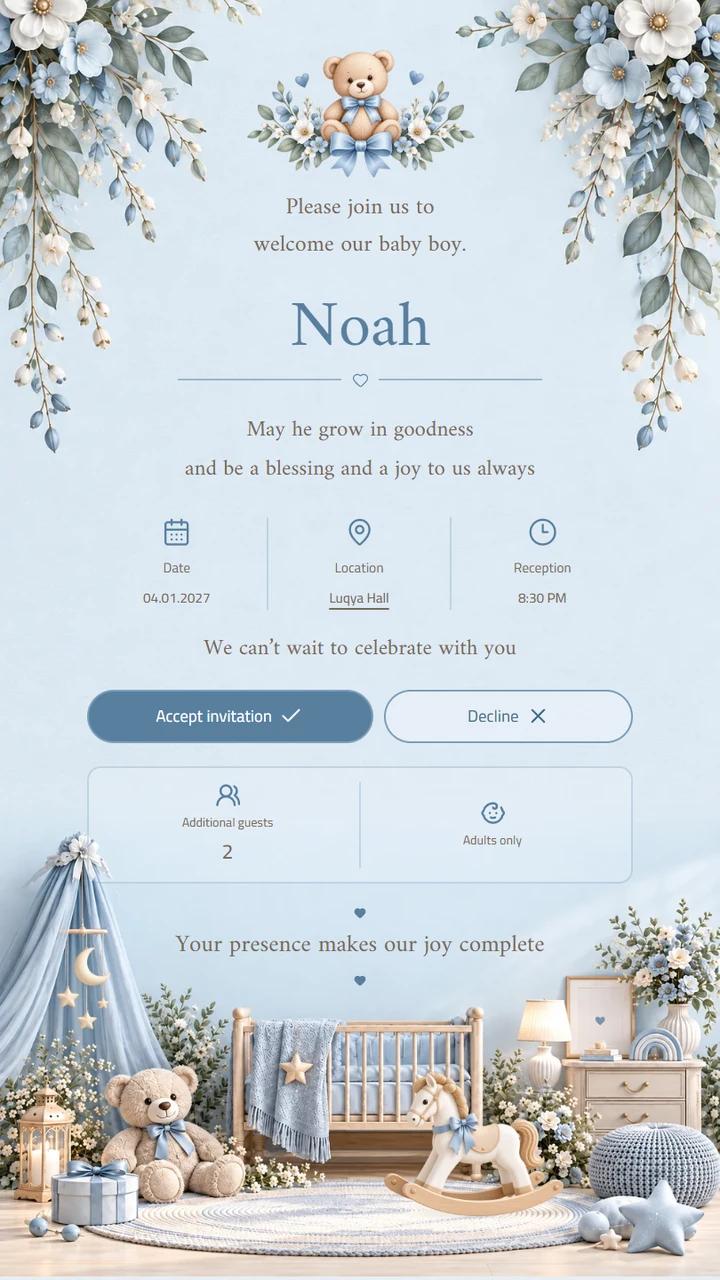
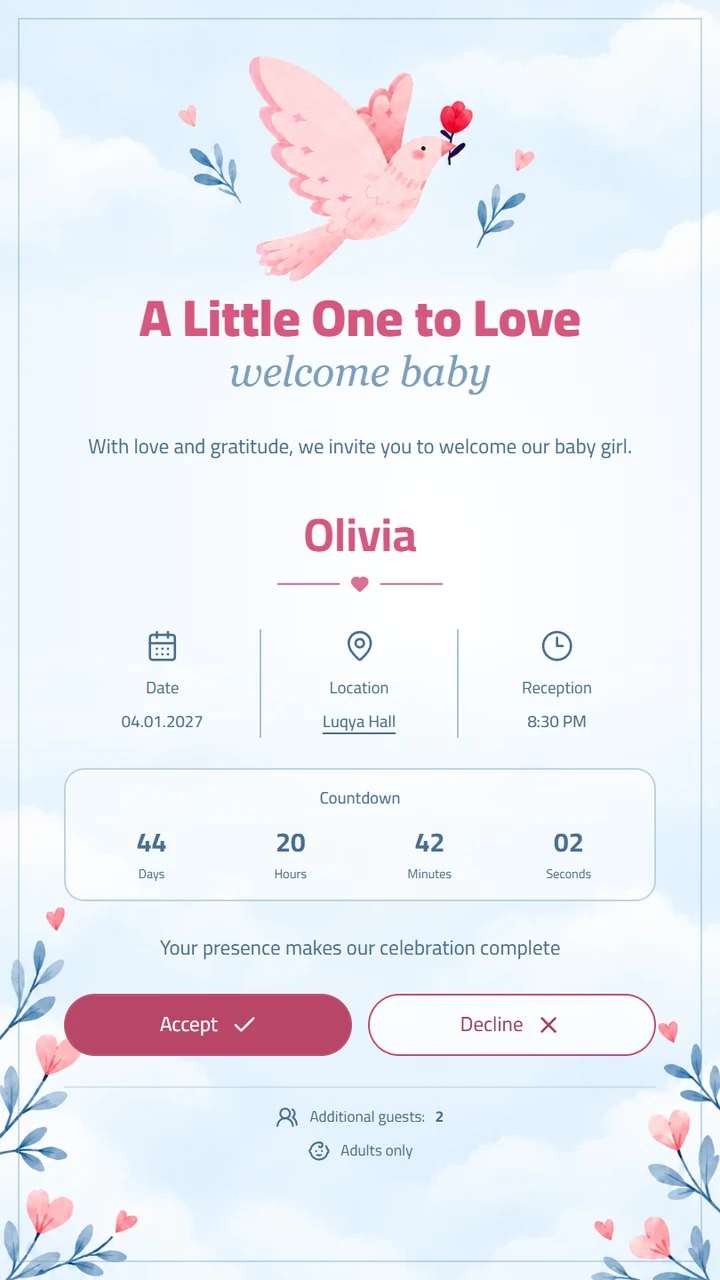
A pink bird, hearts, and watercolor flowers on a soft sky backdrop.
View sample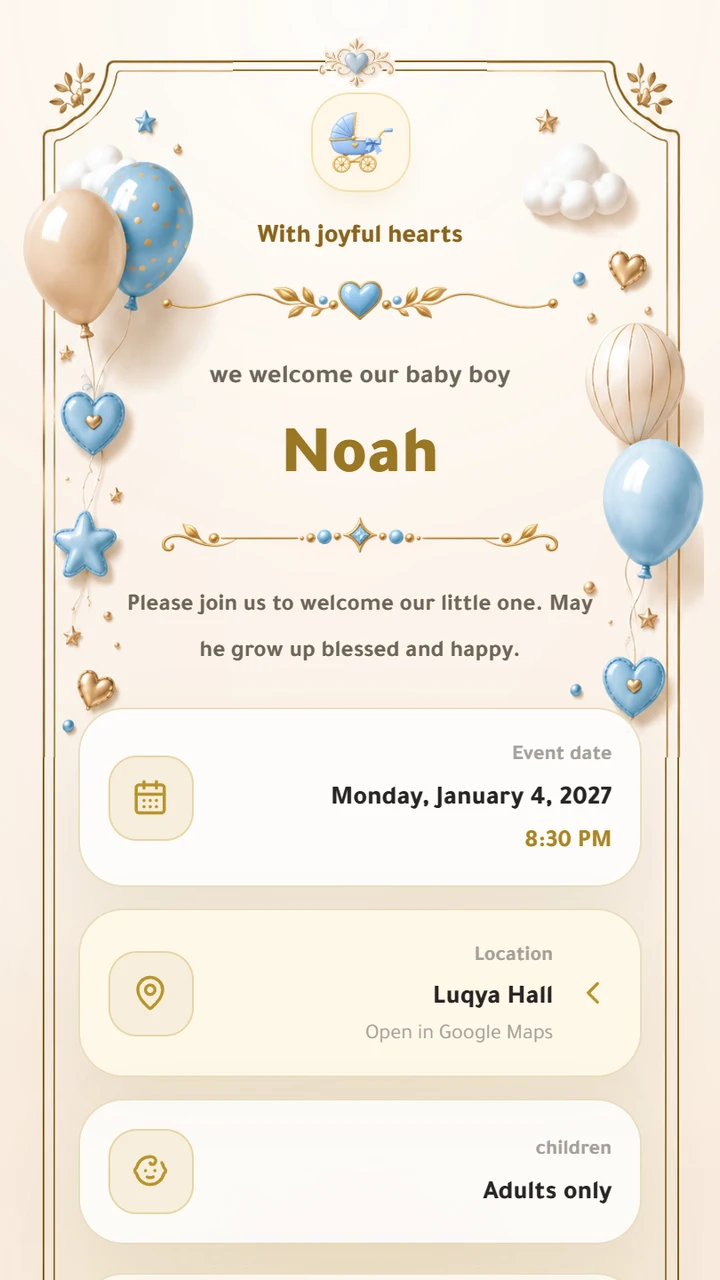
Pricing
Free
Start with no commitment
Paid
For large, professional events
In Saudi riyals, one-time payment, no recurring subscription
Every paid plan includes automatic WhatsApp sending
No monthly fees or auto-renewal
FAQ
No. Luqya works entirely from the browser. You create and manage your invitation, and guests receive it via a direct link with no download or install.
Each guest gets their own invitation link you can share via WhatsApp, including the event details and their private QR code for entry.
Yes. Start free managing up to 10 guests on your account, and contact us to upgrade to a larger plan any time.
Yes. The dashboard shows confirmations, regrets, and how many actually entered via QR scan in real time.
Yes. Create a private link for each person, such as the groom's or bride's family, to add their guests within a number you set. Everyone appears in your list.
Yes. Pick from ready themes based on your occasion, and easily edit the text and details.
Ready to start?
Create your digital invitation, add your guests, share the links, and track replies in one place.
Get started